I take a lot of pictures and screenshots, and backs them up automatically.
But as my photo library grows, I am forced to buy more cloud storage through a Google One subscription.
However, I had a bad habit of taking multiple pictures of the same subject and not deleting screenshots that were no longer useful.
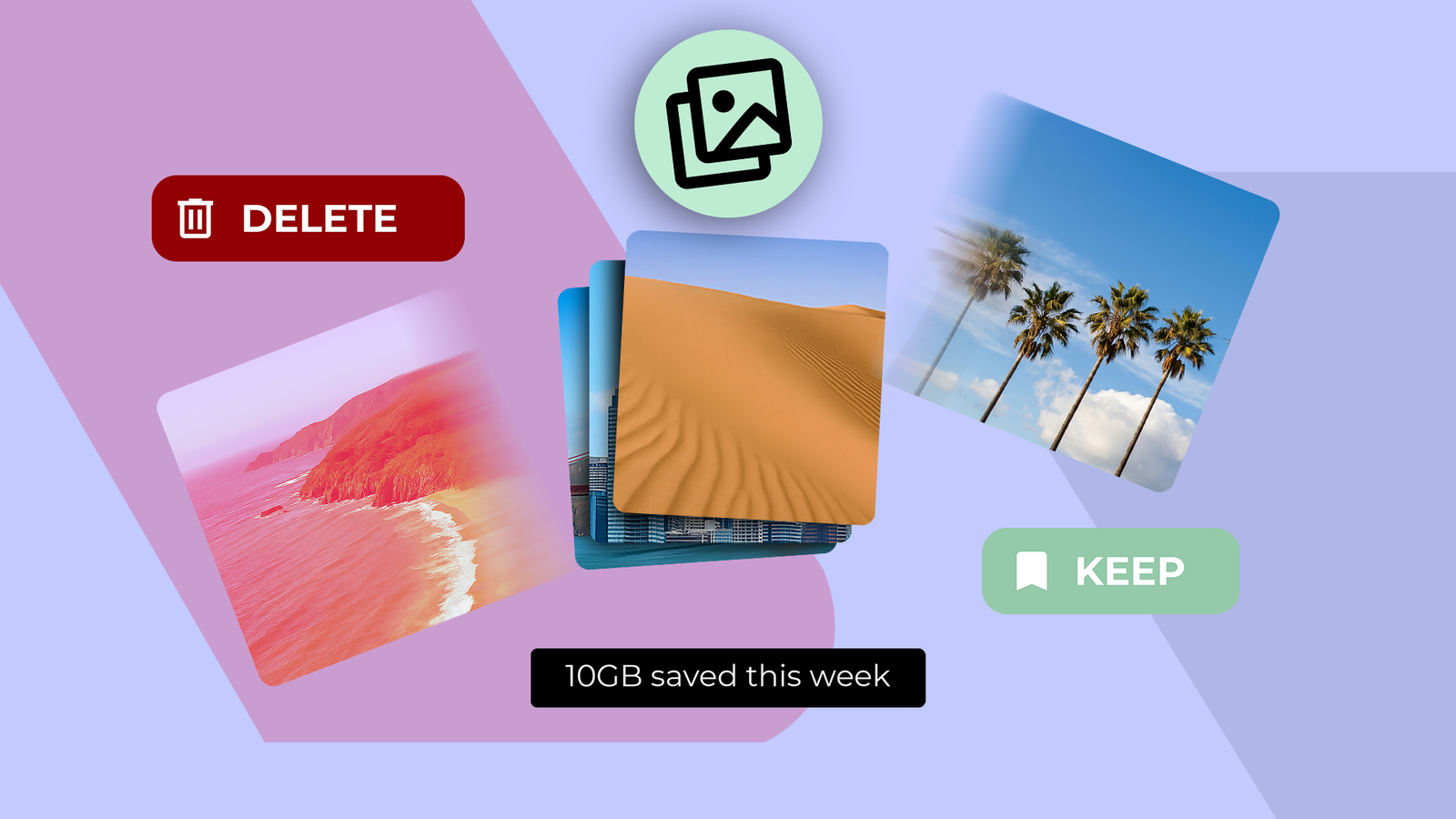
Then I found an app that lets me delete images in a fun new way, freeing up 10GB of storage.
How PhotoSwooper saved me from Google's subscription
A dating-style app for photos and videos
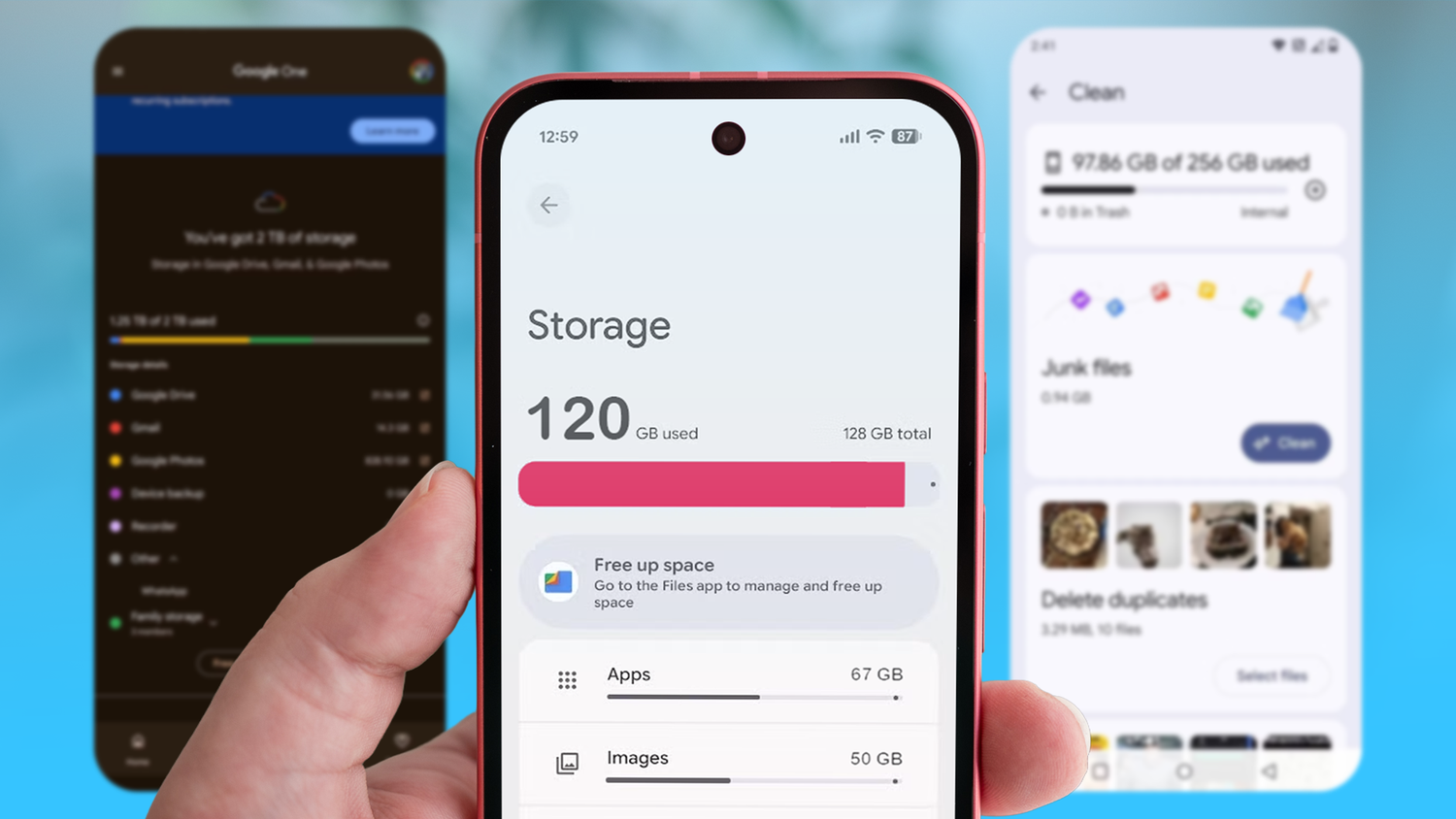

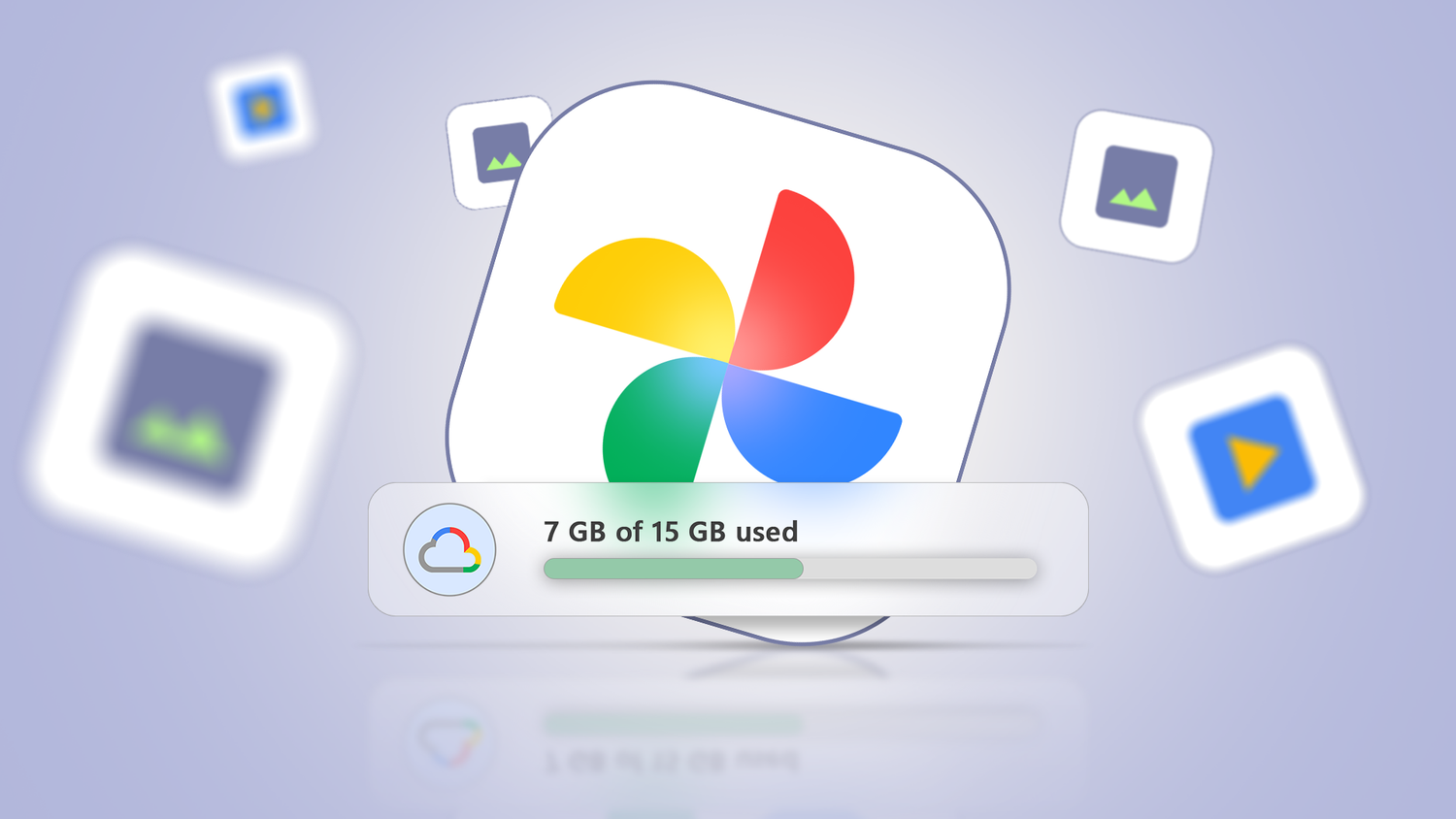

Even though I've used Google Photos' free-up storage feature to remove potential duplicates, it still wasn't enough for Google's free 15GB tier.
What's unbearable is that the 15GB cloud storage is shared across Photos, Google Drive, and Gmail, which, in my opinion, is a crime.
I was moments away from subscribing to Google One until I found an that lets me free up storage space in short sessions.
The app is called PhotoSwooper, and it lets me delete images with a Tinder-style swipe.
I can swipe left to discard an image and swipe right to keep an image in my library.
It might not sound like much, but this app turned the chore of deleting thousands of images into a fun task I can do when I have free time.
In about 10 minutes, I freed up about 10GB of storage on my phone by deleting nearly identical pictures.
I have a habit of taking multiple images of a scene because I may not have liked the framing of my initial shots.
But I don't go back and delete the near-identical image to save storage space.
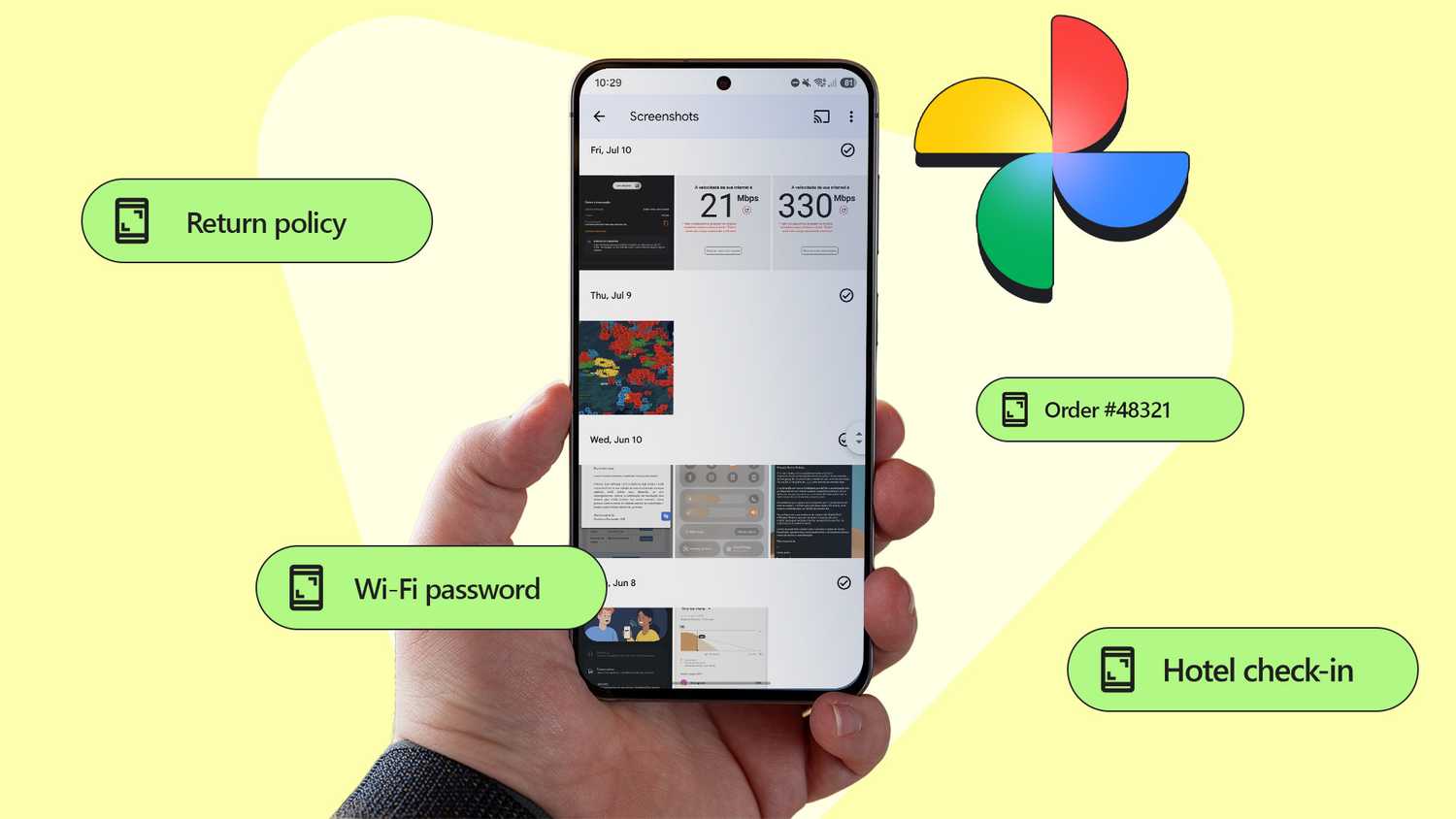
The same goes for screenshots, as I take screenshots and never go back to delete them.
PhotoSwooper helped me mitigate my problem.
PhotoSwooper isn't a full gallery replacement, and you should use it alongside Google Photos or your stock gallery app.
After a few days with the app, I developed a new habit: swiping images I wanted to delete, and my life couldn't have been simpler.
A fun way to free up storage space
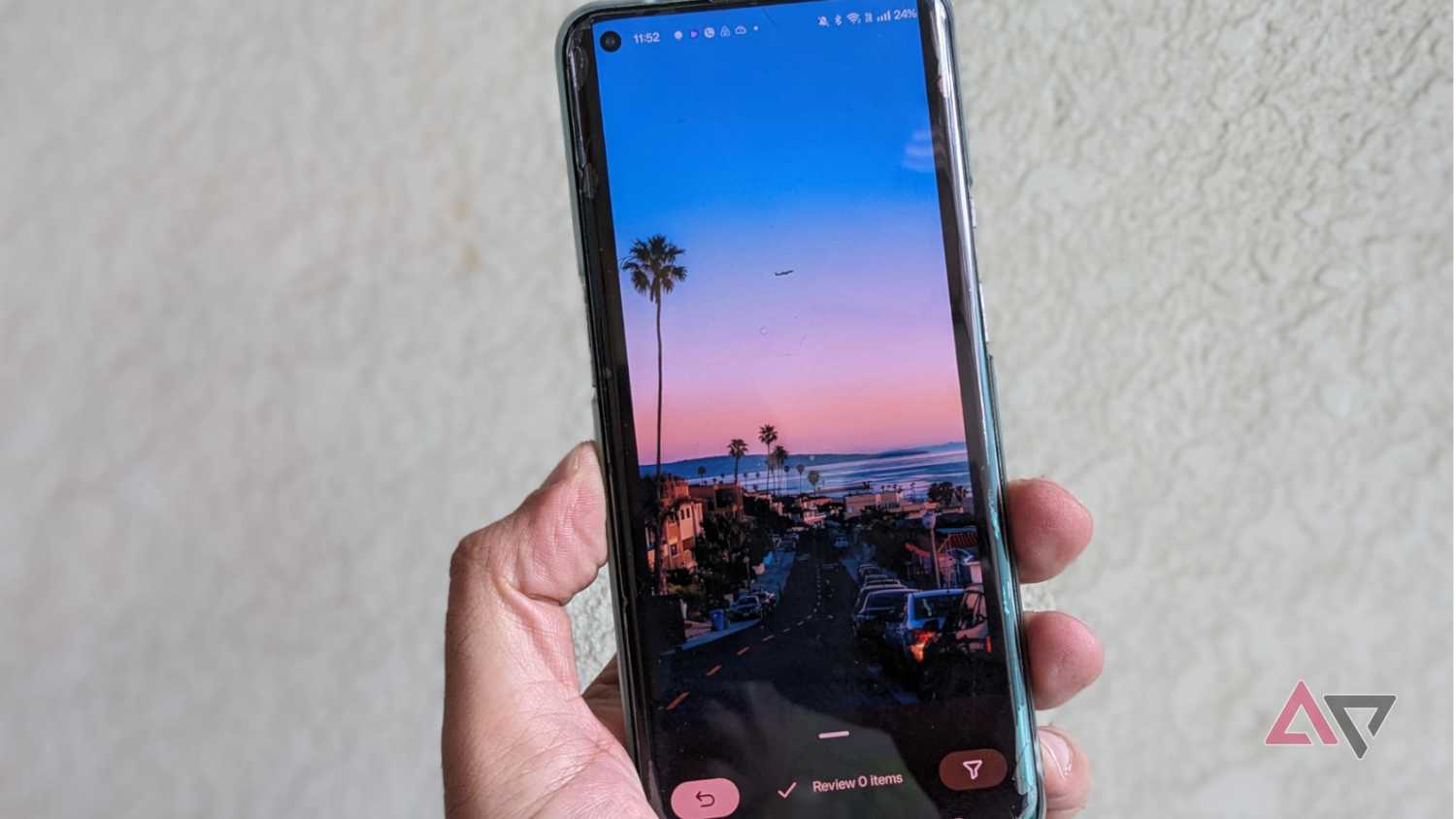
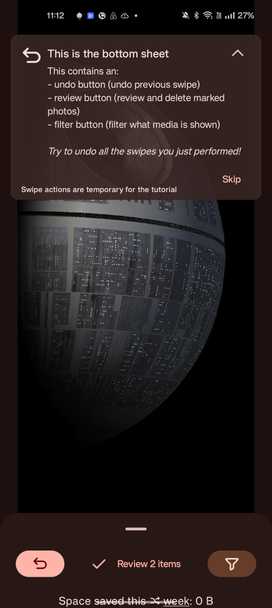
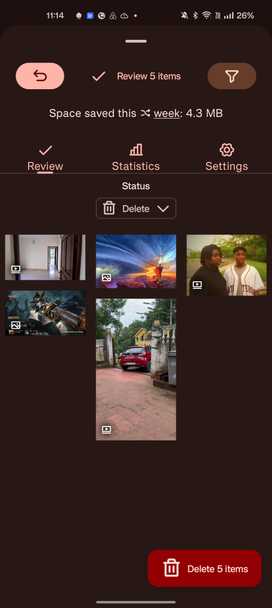
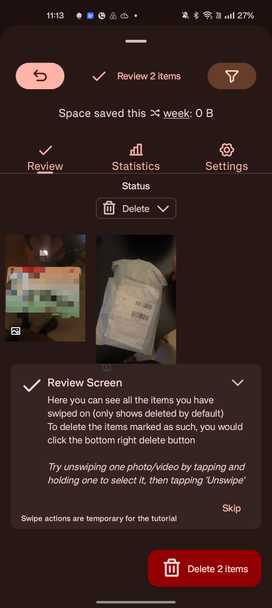
The core concept of PhotoSwooper is simple: it lets you delete images and videos with a fun gesture, with no tracking or ads.
But the secret sauce is that images appear in a random shuffle instead of chronological order. This makes the task less dreary and adds an element of surprise you won't get in a regular gallery app.
It also encourages you to use your judgment about whether you want to keep an image.
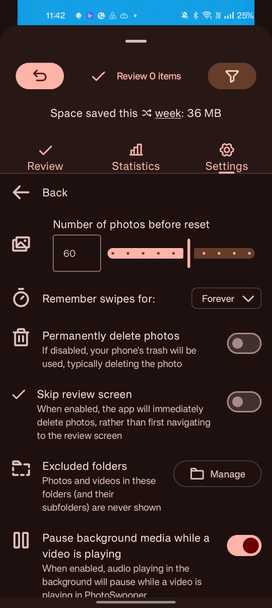
What's neat is that you can set how many images you want to review each time you open the app.
I have the batch setting at 60, but you can extend it to 100.
When you swipe left on an image, PhotoSwooper doesn't actually delete the image right away.
After you're done swiping through a batch of images, go to the review page to see if you want to undo any image that you may have swiped left on by mistake.
If important images like family photos keep popping up, and you don't want to decide whether to delete them, you can "snooze" the image.
This ensures the image will show up in future batches until you are ready to decide.
You can also make other tweaks based on what you are looking to delete via the filters menu.
I added a size filter, which helped me delete useless large videos that were hogging my phone's storage.
But you can tweak this further so PhotoSwooper only shows images or videos, specific albums, or excludes folders.
Now contrast that with your regular gallery app or Google Photos. The experience is worlds apart, and you can free up storage when you have time.
I don't think Google Photos will ever add such a feature, since the company wants you to subscribe to its services.
Open source apps such as PhotoSwooper let me dodge the Google One subscription effortlessly.
I encourage everyone I meet to stop paying for Google One and use internet tricks to free up as much storage as possible.
PhotoSwooper is one that I highly recommend.
If you're wondering what my PhotoSwooper workflow is, I swipe for 10 minutes, three times a week.
That's 30 minutes, and I freed up 10GB of my phone's storage. I mostly focus on large videos, duplicates, screenshots, and unnecessary WhatsApp clutter.
Why PhotoSwooper is now my ideal way to delete pictures and videos
PhotoSwooper has become my favorite way to free up storage space on my phone. Since I use it in short sessions and deleting images is gamified, I stick with the process.
If you want to avoid Google’s storage subscription and reclaim 10GB or more of storage on your phone, I highly recommend trying PhotoSwooper right away.