Like most Android users, I've used Google Maps as my go-to over the decades. The app does an incredible job of getting me from point A to B, while also providing me with all the info I need about business hours, reviews, and more.
But the one thing it's never been particularly great at is giving me route context. I want to know what's coming up on my route before I leave. With foresight into traffic conditions, I can plan my journey accordingly.
So, recently, based on insights from an article here at Android Police, I decided to give Waze a shot.
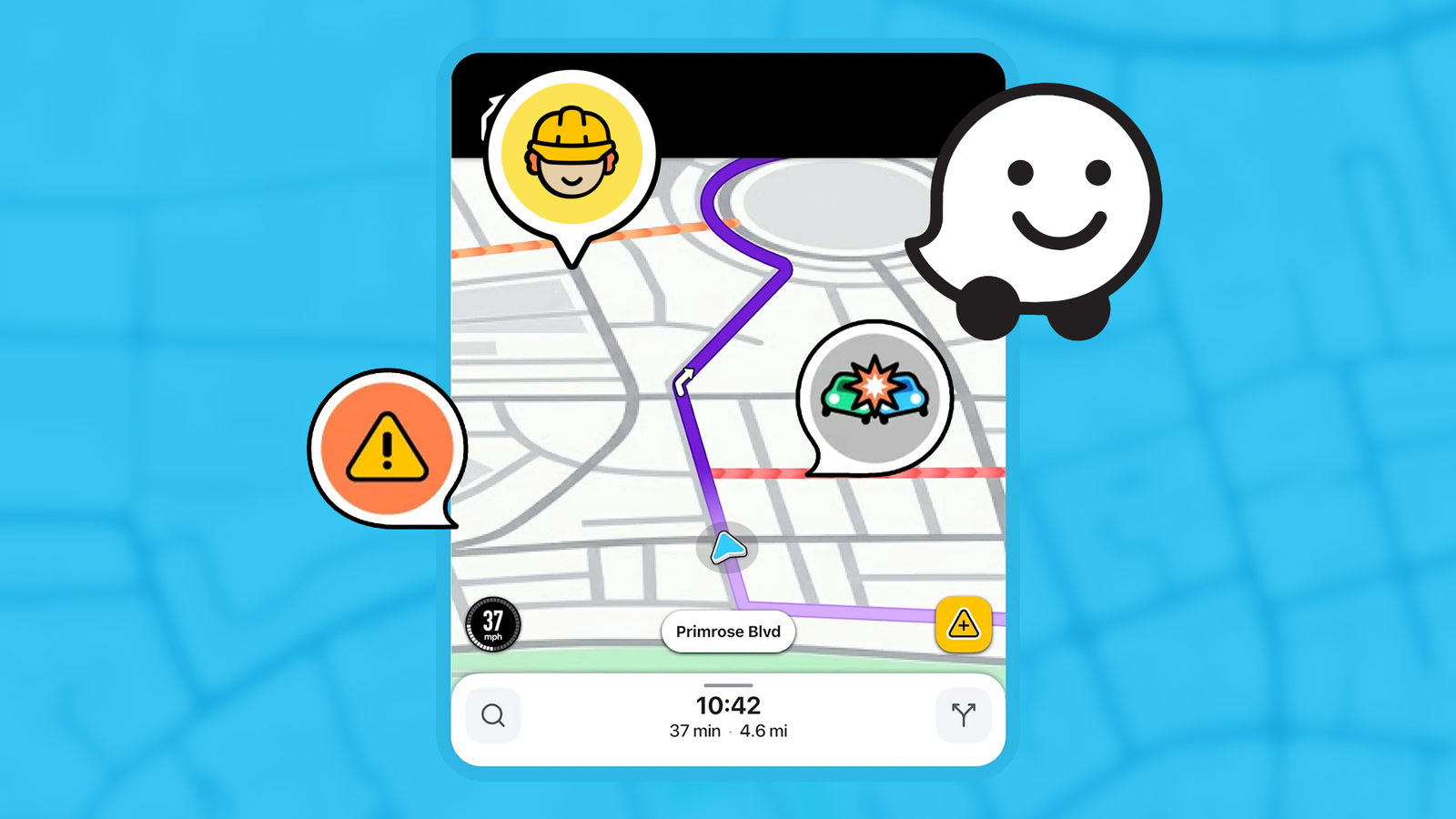
While still a navigation app at its heart, the app gives me traffic conditions, incidents, road closures, and other incident reports about my route before I start driving.
That might sound like a minor convenience, but it has a profound impact on your journey planning. Here's how.
Waze helps me decide which route to take
It helps me spot a problem before it becomes a bigger delay

The biggest shift in using Waze over Google Maps is the most obvious one, and it happens before I start driving.
When I'm navigating within the city, I usually have a good idea of the route I want to take. I've lived here for 25 years, so even the most tucked-away route is familiar to me. So, the turn-by-turn navigation isn't helpful to me.
What does help, however, is knowing what the traffic is shaping up to be so I can make a better decision about the route I want to take.
A route that normally takes 30 minutes can quickly become an hour-long drive in a city like New Delhi depending on what time of day I set off. And after I've set off, it's too late to change directions because I'm in the thick of traffic.
Waze, however, lets me check this beforehand. After I've entered my destination, I can look through the available routes and see the current traffic situation along them.
I'm aware that most navigation apps pick routes with current traffic in mind. However, that's the problem. It only knows the current traffic situation.
What it doesn't know is that if there's an accident on a particular route at 4:30 pm, it will become a bigger problem because of the oncoming office-hour rush. I know that.
Waze's route preview helps me identify alternative routes and tells me what's happening along the way, instead of just showing a route overview. Combined with my knowledge of the route, it lets me make a more informed decision about the journey ahead.
It gives me the information I need to decide whether to take an alternate route that might be five minutes slower right now but will save me an hour by the time I reach the congested section.
Waze gives me a better look at what's coming up ahead
It makes for a great pre-drive check


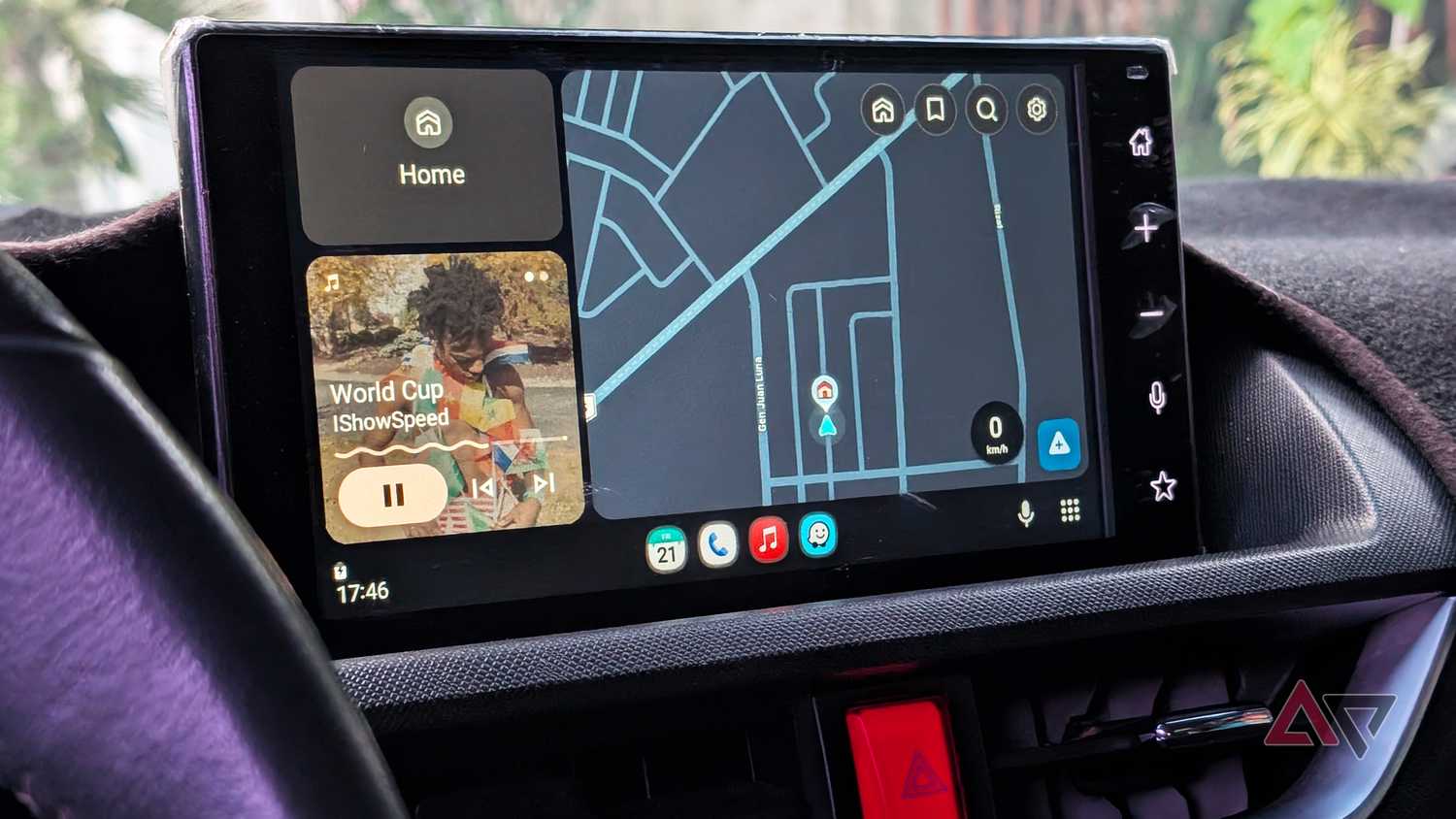
Like Google Maps, Waze gets information from active ongoing drives. But unlike Google Maps, Waze's interface and its user base are more conditioned to reporting ongoing traffic conditions.
Waze's whole shtick is making it easy for drivers to report traffic, accidents, blocked roads, and speed cameras. That means I get a better real-world view of my upcoming drive than with Google Maps. It's great.
As I mentioned earlier, while the feature is useful when heading down new routes, it is more useful on routes you're familiar with.
I've started using it less as a navigation app and more as a pre-drive check. Anytime I'm about to set off, I enter my destination, check alternative routes along the way, and take a quick look at what's happening ahead.
Other small details make Waze more useful.
Waze flags off things like roadworks, potholes, and cars stopped on the shoulder before you start driving. Google Maps gives you some of this information, but not all of it, and not far enough ahead.
All that information might sound like overkill, but I'd rather have the option of extra context than driving blindfolded. Especially now that I've experienced the extra context Waze offers.
This is equally useful when planning a long drive. Having full visibility into your drive is more useful than just knowing the route.
I don't think I'm ready to uninstall Google Maps just yet
For all the praise I've showered on Waze, I can't say I'm ready to replace Google Maps just yet. It's the app I instinctively open anytime I need directions, or if I'm searching for a place and want to know business hours. I turn to Waze alongside it.
Waze gives me the information before the drive that helps me make a more informed decision about the route I want to take. Meanwhile, Google Maps is what gets me there.
For now, this two-pronged approach works best for me. But increasingly, it has me wondering whether switching to Waze full-time might be the move.
