
It's week four. You haven't caught up on your reading, assignments are piling up, and your first exams are closer than you'd like.
Thankfully, Google has students' backs this semester. It relaunched its student offers in August 2026, so eligible US college students get 12 free months of Google AI Pro.
Students in more than 140 other markets can claim a free year of Google AI Plus. If you already claimed it, everything below is waiting in your account.
If you haven't, you still have time. Google is taking sign-ups through December 31, and students whose 2025 trial ran out can claim it again.
Set a reminder, though, because the plan renews at $20 a month after the free year unless you cancel. With a bit of clever thinking, you can use them to stage an academic comeback. Here's how.
Let Gemini build your countdown to the midterm
Get out your syllabus first
First, take that scary exam date and break it into a daily to-do list. Gemini is great at this, but you'll need to work around one small issue.
Gemini can't get inside a locked learning management system to read your syllabus, so you have to feed it the file.
Tell it today's date, when the midterm is, and to spread the remaining chapters and review sessions across the days you have left.
Don't expect a masterpiece plan, but at least you'll stop wasting energy deciding where to start every day.
Listen to or watch the chapters you haven't read yet
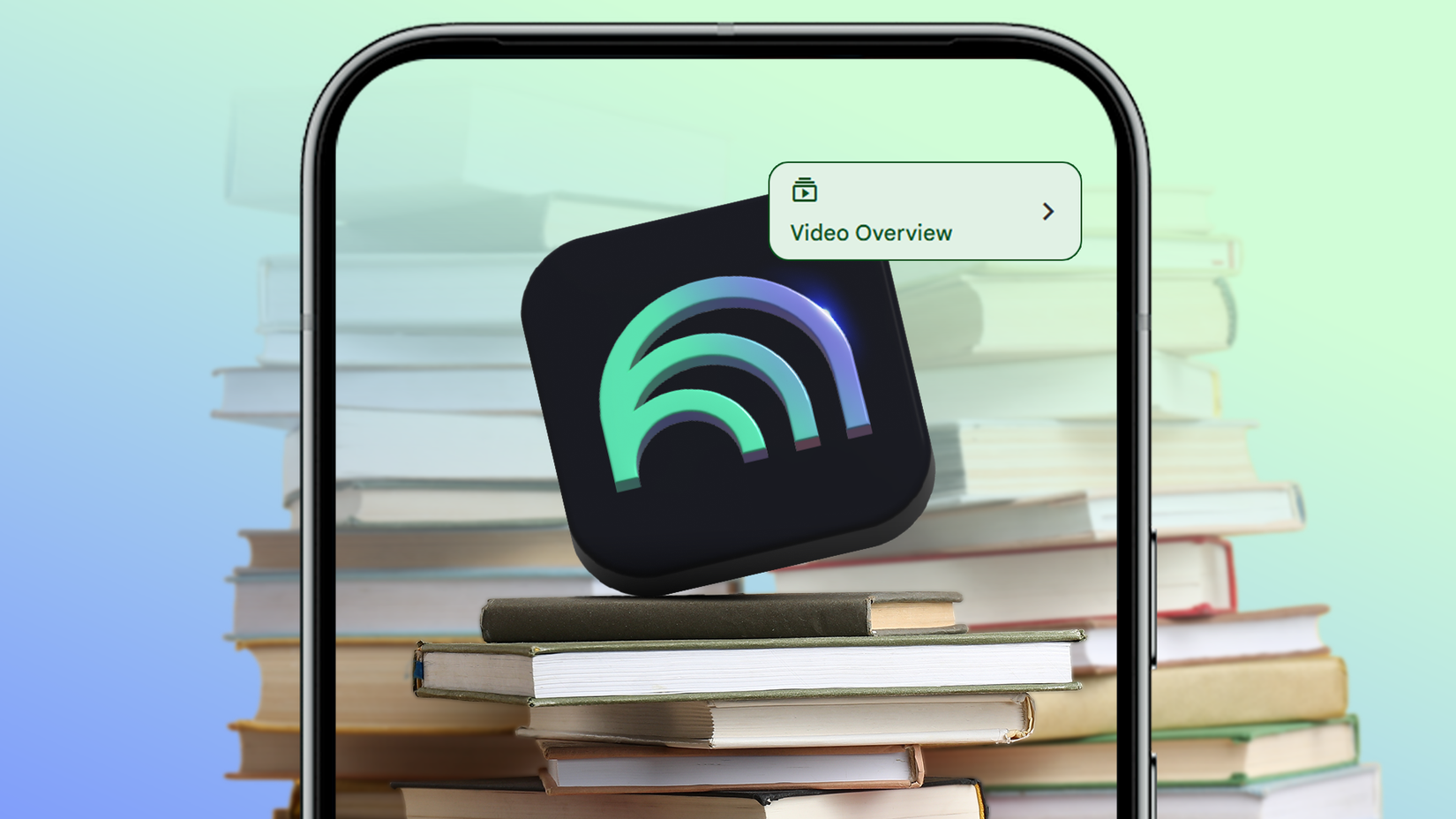
Let's be honest. You're not finding three free hours to sit with a dense PDF this week, but Gemini Notebook can get it into your ears while you do other things.
Drop your unread chapters into a notebook, open the panel, and click before you generate anything.
You get a 60-second vertical video built around one concept from your sources. It's doomscrolling for your syllabus.
Rereading your notes feels productive and does nothing for recall under pressure. Active recall is the whole game mid-semester, and Gemini can build the drills for you.
While you work through them, mark each card with a checkmark or a cross mark, so the system tracks where you're weak.
When something won't stick, you can ask for an explanation, and it pulls context from your source documents. One limitation you need to know is that flashcards in Gemini Notebook still don't render images well.
So check every label yourself, because the model can mislabel complicated diagrams. Also, for units such as anatomy, art history, or organic chemistry, don't rely on flashcards.
Talk your way through the chapters that won't click
Turn Gemini Live into a Socratic examiner

Some chapters won't click even on the third read, and I've found talking through one is more effective than reading it again.
Use Gemini Live like an exam partner and prompt it to act as a skeptical Socratic sparring examiner. Tell it to ask one hard, evidence-based question at a time and to wait for your spoken answer.
Be specific about the waiting part. Without those constraints, the audio model may run ahead of you, answer in the same turn, then congratulate itself on getting it right.
Accuracy matters too. Gemini Notebook keeps its answers tied to what you uploaded, but Gemini Live doesn't, so it can invent confident nonsense about niche or unpublished course material.
For a mainstream course, this won't be an issue, but in a seminar that nobody outside your department teaches, ignore this step and stay in the notebook.
Check your essay against the rubric before your professor does
Get a list of what's missing
Writing an essay is stressful. You can use Gemini as a rubric checker without letting it anywhere near your sentences.
Then lock the model down. Instruct Gemini to map each rubric row to specific evidence in your draft and list what's missing.
Your prose stays yours, and nobody's taking you into an academic integrity hearing over a paragraph you didn't write.
Start tonight with the two-minute step
Gemini won't sit the exam. It won't notice you skipped Tuesday, and it won't care if you don't care. So start tonight with the easiest step.
Export the syllabus, upload it, and ask Gemini for the plan. It takes two minutes, and it's the only step on this list that every other one depends on.
The audio overviews, the flashcards, the arguments with Gemini Live all work better when there's a date on the wall telling you which chapter is due.