Make sure your files are safe in the event of a hard drive disaster.
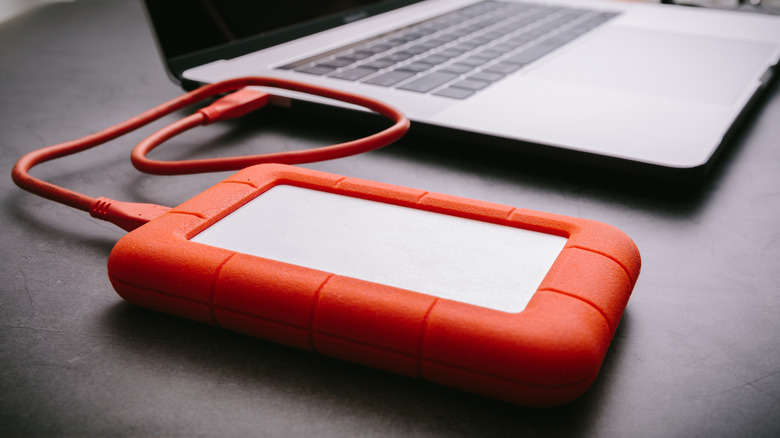
Whether it's photos, videos, financial records or an assortment of questionable personal poetry, you've probably generated stacks upon stacks of data over the years, figuratively speaking. While taking the time to make sure all that data is safe and backed up might not be your idea of an action-packed afternoon, there's a distinct and unpleasant panic that comes from realizing that your important files are gone for good. After all, no one wants to lose all those treasured cat photos. Fortunately, one fried hard drive doesn't have to leave you breathing into a paper bag and bargaining with the gods.
While there are different approaches out there to backing up your data, there's a classic rule you can use to get started. The 3-2-1 rule is a framework that covers how many copies of your data you need across how many types of media, and where that media should live. That way, if something happens to one of your copies, you have others you can rely on, keeping the panic at bay.
What is the 3-2-1 rule?
The 3-2-1 rule was first popularized by photographer Peter Krogh in his 2009 book, "The DAM Book: Digital Asset Management for Photographers." At a baseline, the rule says that you need three copies of your data stored on two types of media (often interpreted as two different devices in recent times), and that one of those should be kept offsite. Think about it like this: if you only have one copy of your favorite vacation photos stored on an SSD and something happens to that SSD, you're out of luck. Even if you take the steps to make copies to multiple drives, you could still lose everything in the event of a disaster like a flood, house fire or burglary. But if one of your copies lives somewhere else, you have another layer of protection. And ideally, that offsite copy would be located far enough away that the type of disaster that might affect your home wouldn't also affect the location of that other copy. In short, the rule emphasizes the importance of redundancies.
How to use the 3-2-1 rule
Over the years, the 3-2-1 rule has evolved as both tech and the threats against it have changed. Odds are you're not burning too many CDs these days. Plus, people tend to be a little less worried about media becoming obsolete. It's easy to find conversations in spots like Reddit showing how conscientious folks are interpreting the 3-2-1 rule to fit their needs, as well as what's feasible for them. Your data protection requirements won't be the same as a multinational corporation.
For example, you might have files on your laptop, an external hard drive and a private cloud server. You might also use a service like iCloud or Google Cloud, though it should be noted that depending on the service and syncing settings, deleting a file from your computer might also delete it from the cloud. There are also other services that offer automatic full backups of your devices, with various storage limitations and at various pricing tiers.
Additionally, there are more recent developments that have changed how the 3-2-1 rule gets interpreted and used, like the ever-shifting cybersecurity landscape. For one, an offsite copy can still be vulnerable to a ransomware attack if the device is networked.
Though the prospect of backing up your data might seem like a bear, the 3-2-1 rule can be a relatively straightforward way to think about preserving your important files. Taking a few steps to make copies and keeping those copies in different spots could be the difference between a full-blown crisis and the reassurance that all those cat pics, tax documents and even your finely-crafted haikus are safe.