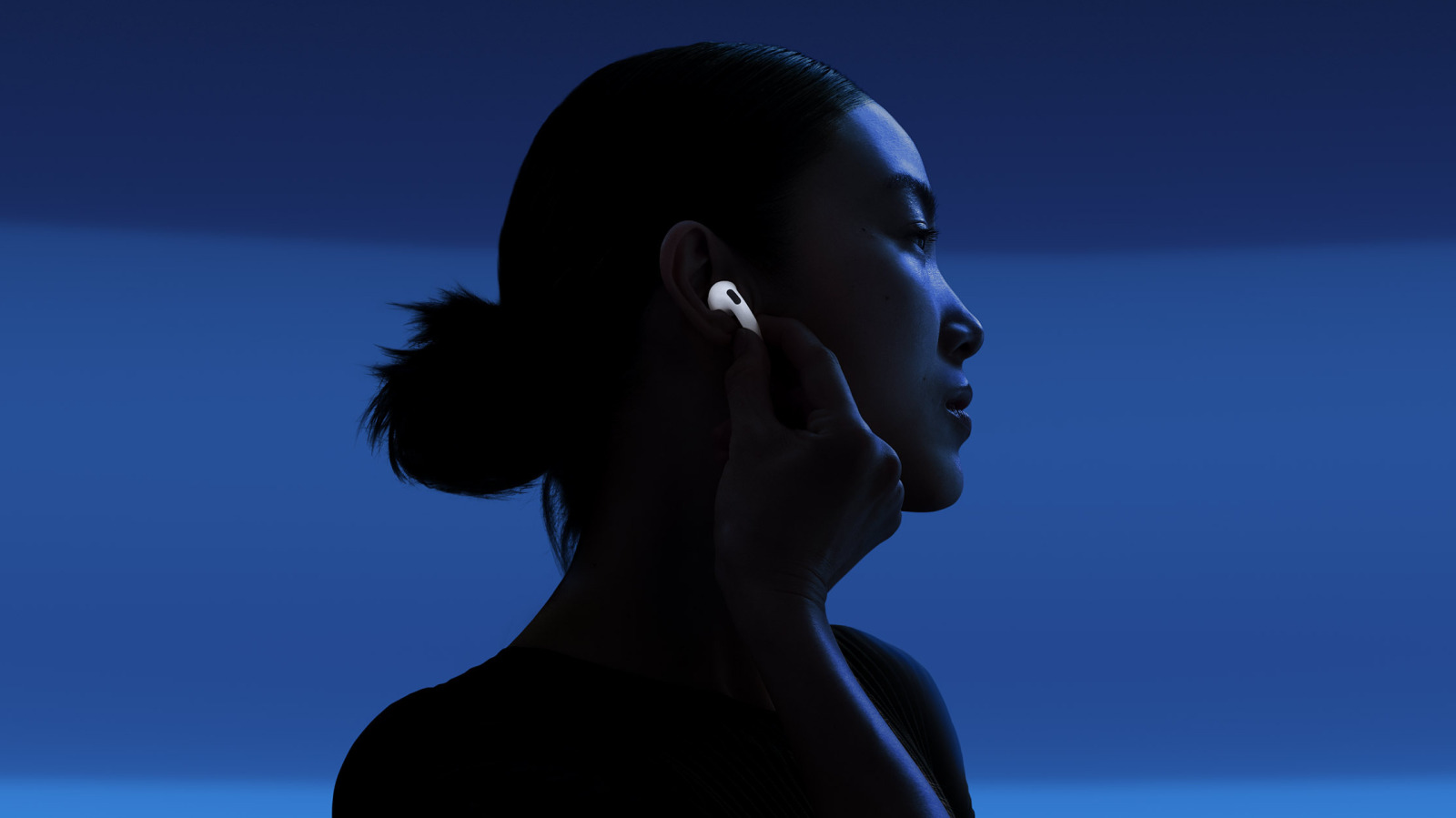
Noise cancellation is great, but shutting yourself out from the world can be a problem at times.
AirPods aren't necessarily the best wireless earbuds money can buy, but they should be on your shortlist if you're an Apple fan. They're deeply integrated into the Apple ecosystem, enabling perks like rapid device switching, live translation and seamless sharing with (similarly-equipped) friends.
One of AirPods' highlights is just how good their active noise cancellation (ANC) can be, particularly on the AirPods Max 2 and AirPods Pro 3. In addition, those and a few other models (Pro 2, AirPods 4 with ANC and AirPods 5) offer an enhanced version of ANC called Adaptive Audio. To use this, compatible models must have Apple's custom H2 chip (or better).
If you're interesting in upgrading your AirPods or buying a pair for the first time, here's a quick explanation of why Adaptive Audio might matter. The short version is that it fixes the problem of ANC technology proving a little effective.
Standard ANC begins with one or more microphones capturing ambient noise. Your earbuds use this data to generate "anti-noise," which cancels out incoming sound before it can reach your eardrum. The technology isn't flawless — it works best with consistent, low noise like the hum of a fan, rather than music or conversation — but at its best, it can virtually shut out the world. This makes your audio far clearer and reduces the temptation to boost music to an unsafe level to fully hear it.
Your lack of awareness to what's happening around you can annoy loved ones or create safety hazards, however, which is why Apple and most other ANC earbud makers now offer Transparency modes. These intentionally blend the outside world into your listening, so you don't, say, miss sirens while cruising along on your bike. The downside is that for fidelity, you're back at square one, if not worse, because the full ambient environment is intruding.
Adaptive Audio attempts a middle ground, blocking out most ambient sounds while allowing important ones to intrude. Apple is a little vague about how this works, except to suggest that it's "based on the changing noise conditions in your environment." In practice, that means while you might not hear the background hum of traffic while walking down the sidewalk, something like a horn or a nearby voice could break through. All AirPods models with ANC can also suppress loud sounds to shield your hearing, though they aren't a substitute for proper hearing protection against extremely loud noise like jackhammers.
An optional sub-feature of Adaptive Audio is Conversation Awareness. Despite what it sounds like, this detects when start talking — not someone else — then automatically lowers media volume to improve listening. Normal volume should resume automatically, but if that's not working as expected, you may need to press and hold an earbud stem or disable Conversation Awareness entirely. Of course, you can always pause your audio, too.
How to use Adaptive Audio, and understanding its limits
With your AirPods connected to an iPhone or iPad, toggle Adaptive Audio by swiping down from the top-right to open Control Center, then tapping and holding the volume control slider. You can also flip on Conversation Awareness from here, and adjust a second slider to make Adaptive Audio more or less sensitive. On a Mac, open Control Center, then click to find the equivalent options.
To change this more easily in the future, open the app on your iPhone and tap the entry for your AirPods near the top. Choose , then change either or to . Check two or three of the available options, then squeezing the indicated AirPod will cycle through them.
There are some important limits to be aware of. As mentioned earlier, the only other products that support Adaptive Audio are the AirPods 5, AirPods 4 with ANC, AirPods Pro 2 and 3, and AirPods Max 2. Other models are limited to standard ANC and Transparency, or just "passive" noise cancellation, which is another way of saying they block some sounds with their physical seal.
Also, remember that Adaptive Audio isn't perfect. It can't truly understand which sounds are important, so if lives are the on the line, you're better off using Transparency, bone-conducting headphones or no headphones at all. A little extra clarity in your podcasts isn't worth the chance of being crushed by a truck, and there are other ways to improve your iPhone's audio quality.