
Pebble's newest tech, the Index 01, is a deceptively simple piece of hardware. The ring consists of a microphone, a button, and a Bluetooth transmitter; the companion app is where the magic happens.
The Pebble app is the companion app for all Pebble wearables, and its Index feature hosts the various to-do lists and reminders I use my Pebble watch for. However, Google Keep's Gemini integration gives it much of the same functionality, so which is better?
Google Keep is more accessible than Index
I can create Keep notes from any phone, computer, or smartwatch
If Gemini exists on a piece of hardware, so does Google Keep. I can ask Gemini from any device to add an item to my shopping list or create a note in Keep, and it does it.
Gemini still can't create reminders in Keep, but it can create them in Google Tasks, which is close enough that it doesn't matter. But the point is that I can use my voice to create notes and lists in Keep from almost any device.
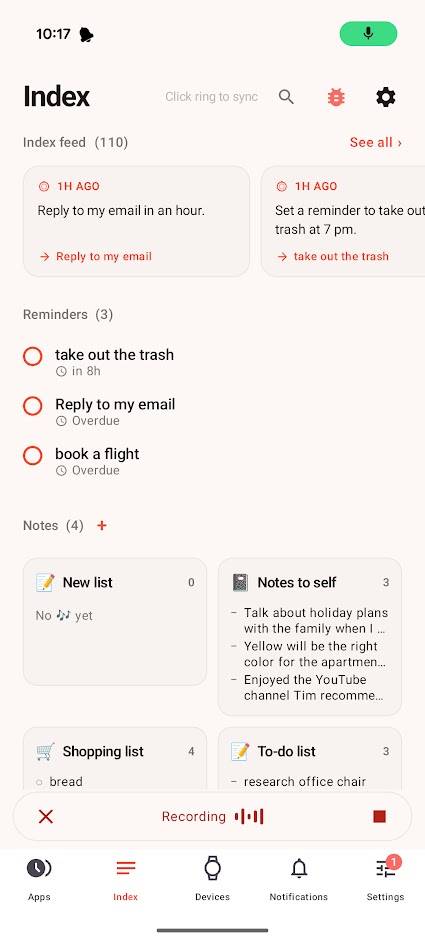
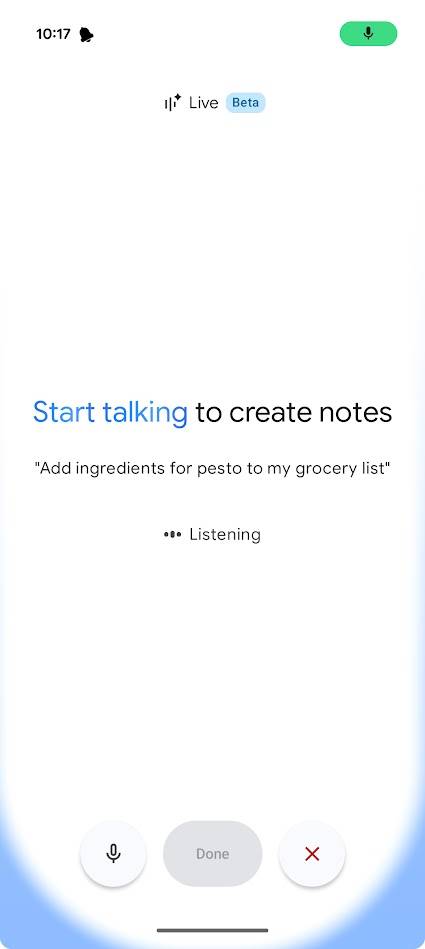
You can access Index only from the Pebble app or the Index 01 ring. The ring is designed so that you never need to take it off, so it's a moot point. Nevertheless, I can't open my computer and type a long note into Index as I did with Google Keep.
I used the Index feature before buying an Index 01 ring, and I found it useful. It's not as accessible as Google Keep, but it's much better for to-do lists, short notes, and reminders.
Index is best for short notes; Keep is my go-to for longer thoughts
Each has its strengths
The Index 01 and Index features mean I use it only for short notes and to set reminders. The app can handle longer notes, but it automatically bullets every note with minimal formatting options.
However, it is fantastic at these things. The onboard large language model (LLM) rarely fails at understanding where my notes should belong. I don't have to literally say "Set a reminder" or "Add to my shopping list"; as long as my voice note gives enough direction, Index understands.
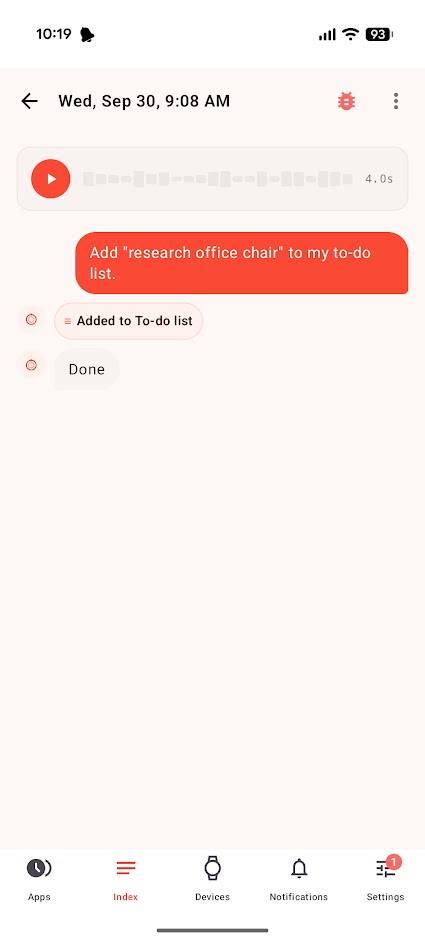
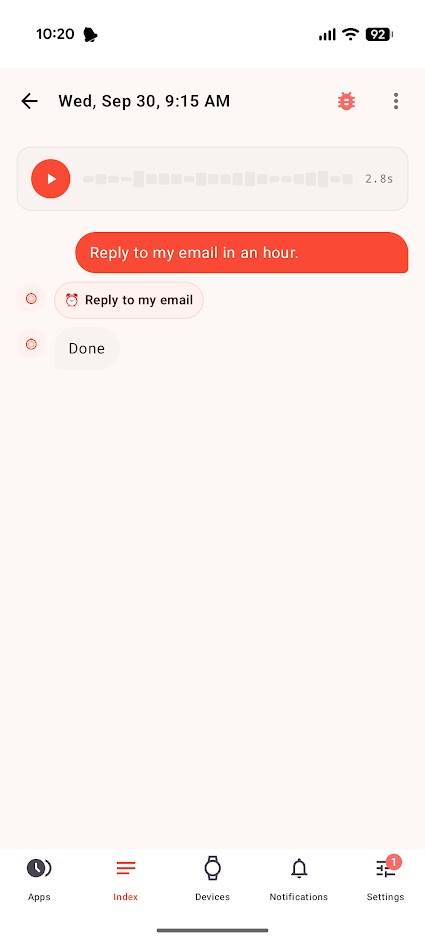
That's where Google Keep excels. Gemini can replicate Index's voice-note capability in Keep, but Keep's range of formatting options makes it better for longer, deeper thoughts.
However, I prefer Index for my reminders and shopping lists. I find that my notes in Keep tend to blur together and require constant maintenance to . In Index, everything makes sense from the start.
The Index note-taking pipeline is better
It's obvious when the whole experience is designed at the same time
When I regularly used my Pixel Watch, I used it all the time to take notes. Until I didn't. At first, it seemed great: I could speak notes with my hands full, and Keep would take care of the rest.
The problem, which was compounded by the replacement of Google Assistant with Gemini, is that it was slow. Gemini understands my instructions correctly 99% of the time, but there's an .
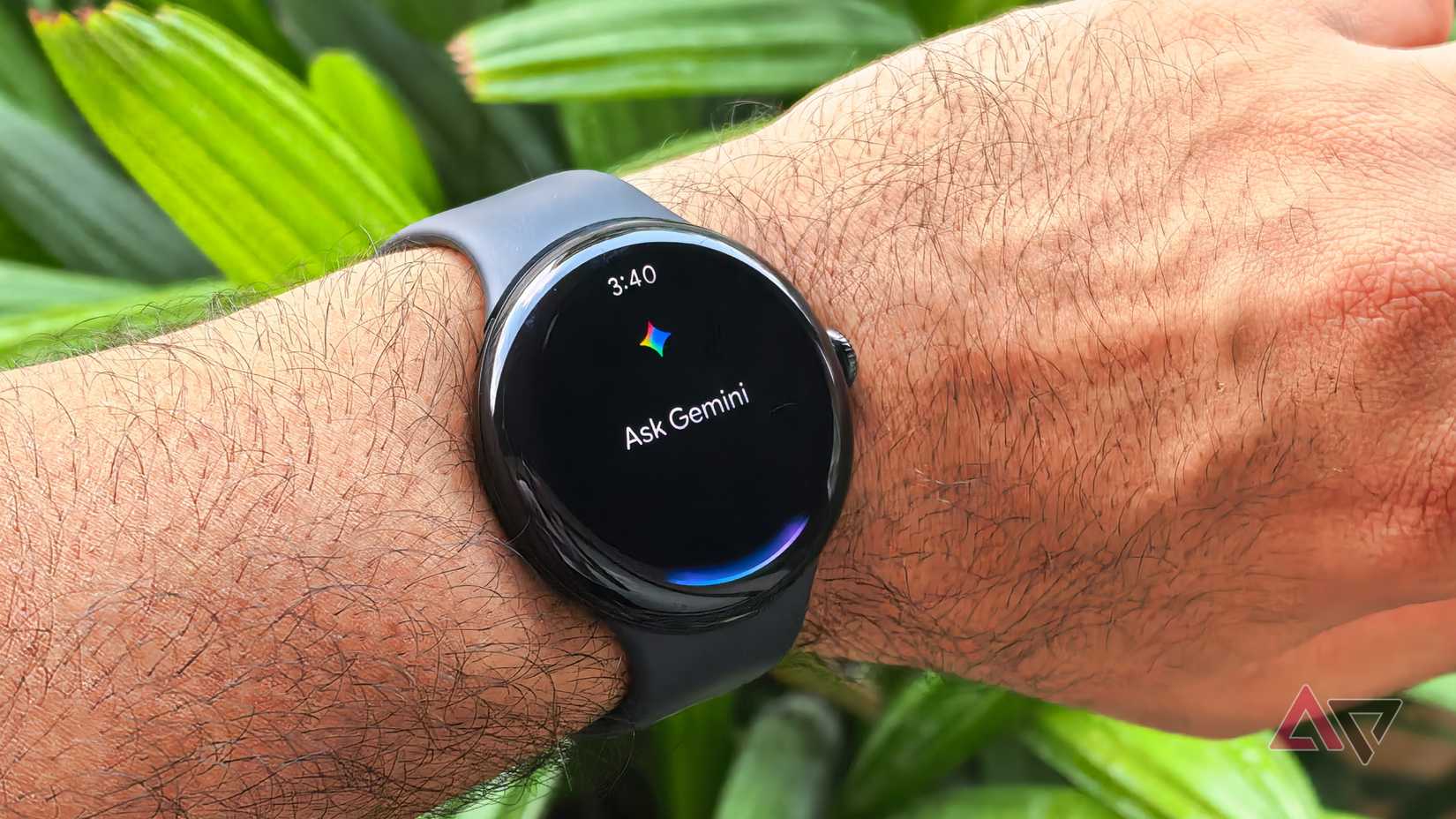
If I'm taking a voice note on my phone, I have to stare at Gemini's thinking animation until my phone becomes operable again. This quickly got so annoying that I stopped using my Pixel Watch for voice notes.
With my Index 01, I can press the button, speak my note, and release it without a worry. Voice note processing happens in the background and doesn't interfere with my devices.
But if I have to buy a $75 ring just to take notes, how good is the app? Very good, actually.

I used the Index feature to take notes and save reminders before I received my Index 01. I paired the app to my Pixel's gesture controls, so it was just as accessible as Gemini.
But unlike Pixel hardware, Pebble hardware is engineered with every step in mind. From pressing the button on my Index 01 to checking off items on my shopping list, it's clear that this is a carefully thought-out experience, not a bunch of tools developed separately and connected later.
Index has a long way to go, but it's brilliant already
The Pebble app is still in development, but the Index feature already has an impressive amount of power under the hood. However, I would like to see support for text formatting so I can record and write longer-form notes in the app.
While I think Pebble has nailed the voice note mechanics better than anyone else, I would like more versatility from the app. I don't like splitting my notes across multiple apps despite the benefits of doing so, but I have to use apps like Keep alongside Index for now.