A common pattern of Pixel launches is that my favorite features are the ones Google doesn't tell us about. For example, the camera post-processing and display were two of my top Google Pixel 10 Pro features, and Google didn't talk about either.
The story is the same with the Pixel 11. Forget about HiLight; it's that is the Pixel 11's killer feature. Or at least it would be, if it wasn't on its way to older Pixel devices. I cannot wait, as it will be the best upgrade for all Pixels since Material 3 Expressive.
The Pixel Launcher is already useful, but it's missing potential
I became accustomed to a mediocre app
I find the search function on my Pixel 10 Pro useful. While third-party apps find what I need faster, I can't say I've had any frustrating problems with it.
Before the Pixel 11, the Pixel Launcher's search bar could do more than search for apps. It could search Contacts, Google Play Store, and Settings apps, find items in Google Wallet, and bring up shortcuts from the Clock app.
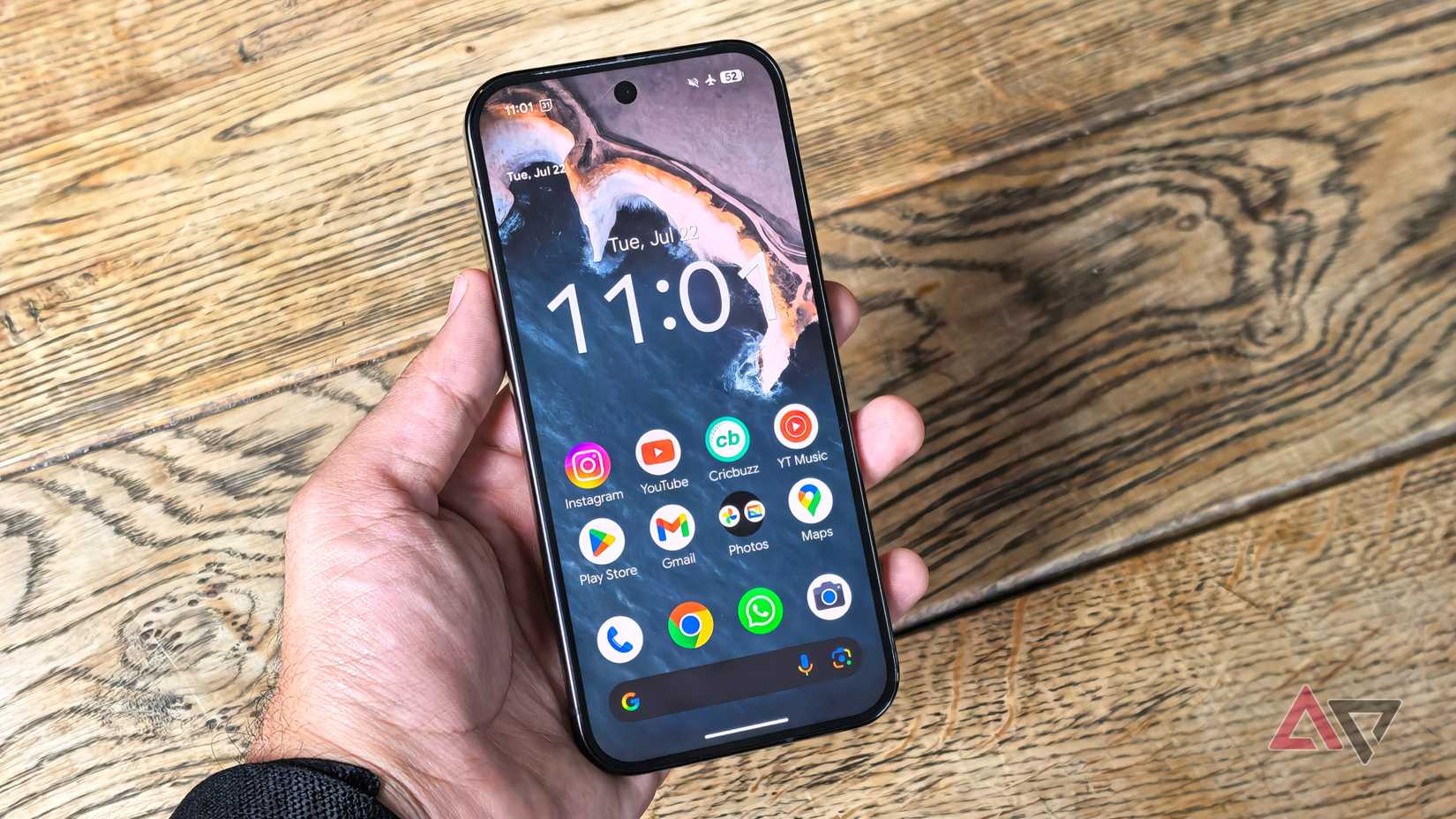
All in all, pretty useful. While I wish I could access all this functionality from the home-screen search bar, not the app drawer, it's still a handy way to find what I need.
If I had a problem, it was that Google was throwing too many features at me. But it turns out it wasn't a quantity problem; it was a quality problem.
Turns out, I'm fine with the Pixel Launcher presenting me with more information; it just needed to be the right information. The Pixel 11 supercharged the Pixel Launcher and turned what was an adequate tool into a brilliant one.
Pixel 11's search bar is exactly what I need
No more flipping through apps to find what I need
The Pixel 11 redesigned the Pixel Launcher's search bar. It not only adjusted the UI to make useful shortcuts more accessible, but also dramatically expanded the range of apps it can search.
On top of Contacts, Play Store, Settings, Wallet, and Clock, it can search Gmail, Calendar, Drive, Files by Google, Messages, Photos, and Pixel Screenshots.
Each of these apps has its own search function, so unifying them in Pixel Launcher makes sense. I can search for a group chat message, find a spreadsheet, and locate a screenshot without leaving the window.
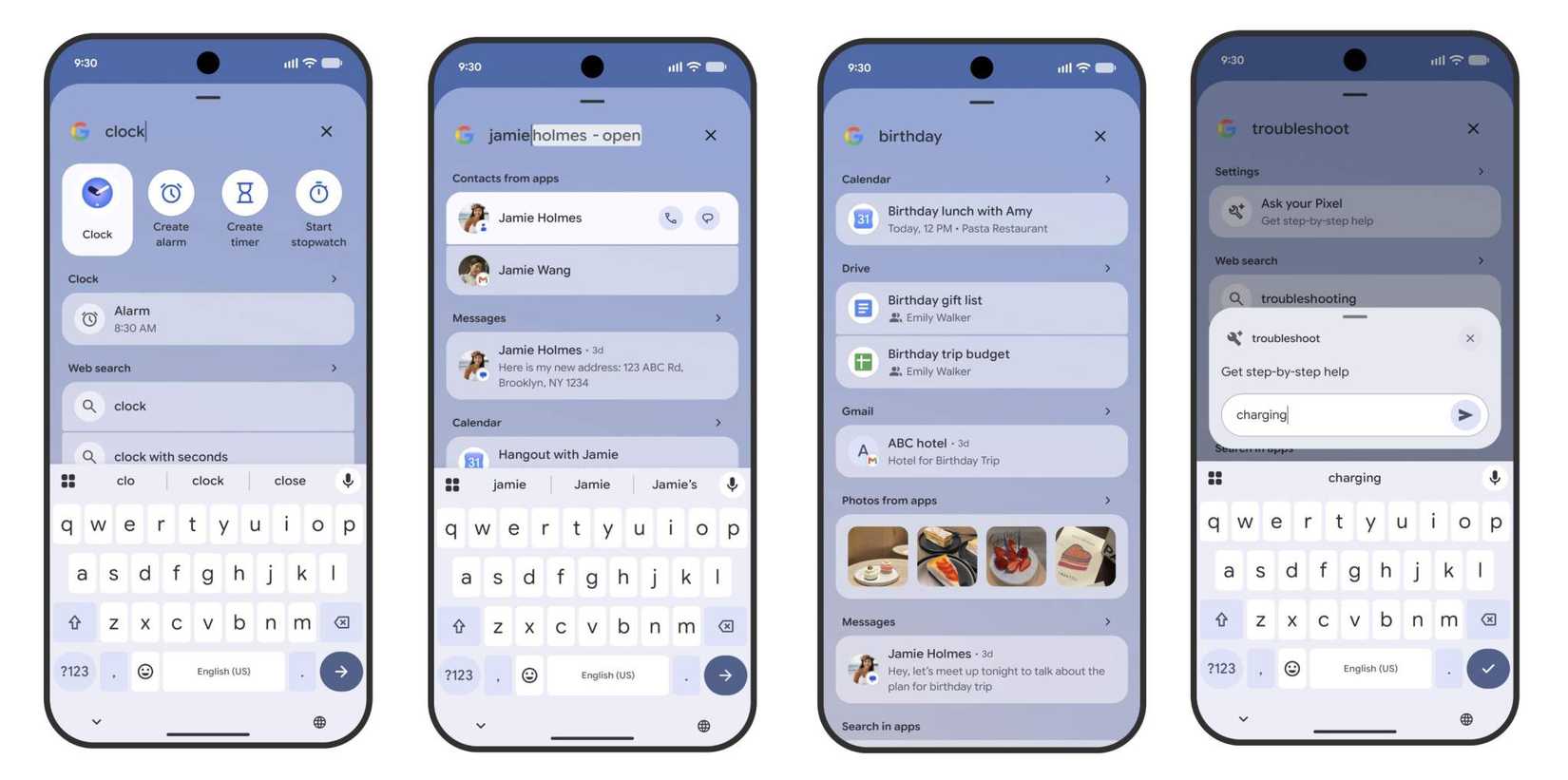
The expanded search functionality is also available on the Samsung Galaxy Z Fold 8 and Fold 8 Ultra, indicating this isn't Pixel Launcher-exclusive.
It looks like this functionality will be coming to older Pixels updated to Android 17. Android Authority spotted hidden code in the latest build of the Pixel Search app that suggested all Pixel devices launched since 2021, with the possible exception of the Pixel 6, will receive the upgrade.
You can already sideload the Pixel Search app on older Pixels updated to the latest Android 17 QPR2 beta build. All signs point towards older Pixels receiving the update.
I cannot wait. This is exactly the update that will revitalize older Pixels.
Material 3 Expressive made older Pixels beautiful; Pixel Search will make them useful
A shock to the system
Material 3 Expressive gave older Pixels the makeover they needed to stay up-to-date with modern Android phones. They felt like new phones again; the update made a strong case for buying a Pixel 7 in 2025.
However, while Material 3 Expressive was well-received on older Pixels, it was mostly a visual update. Yes, it made Pixels fun to use again, but it didn't introduce much in terms of functionality.
Pixel Search, on the other hand, is such a dramatic update to how we use our phones that it could have the same impact, but for utility.
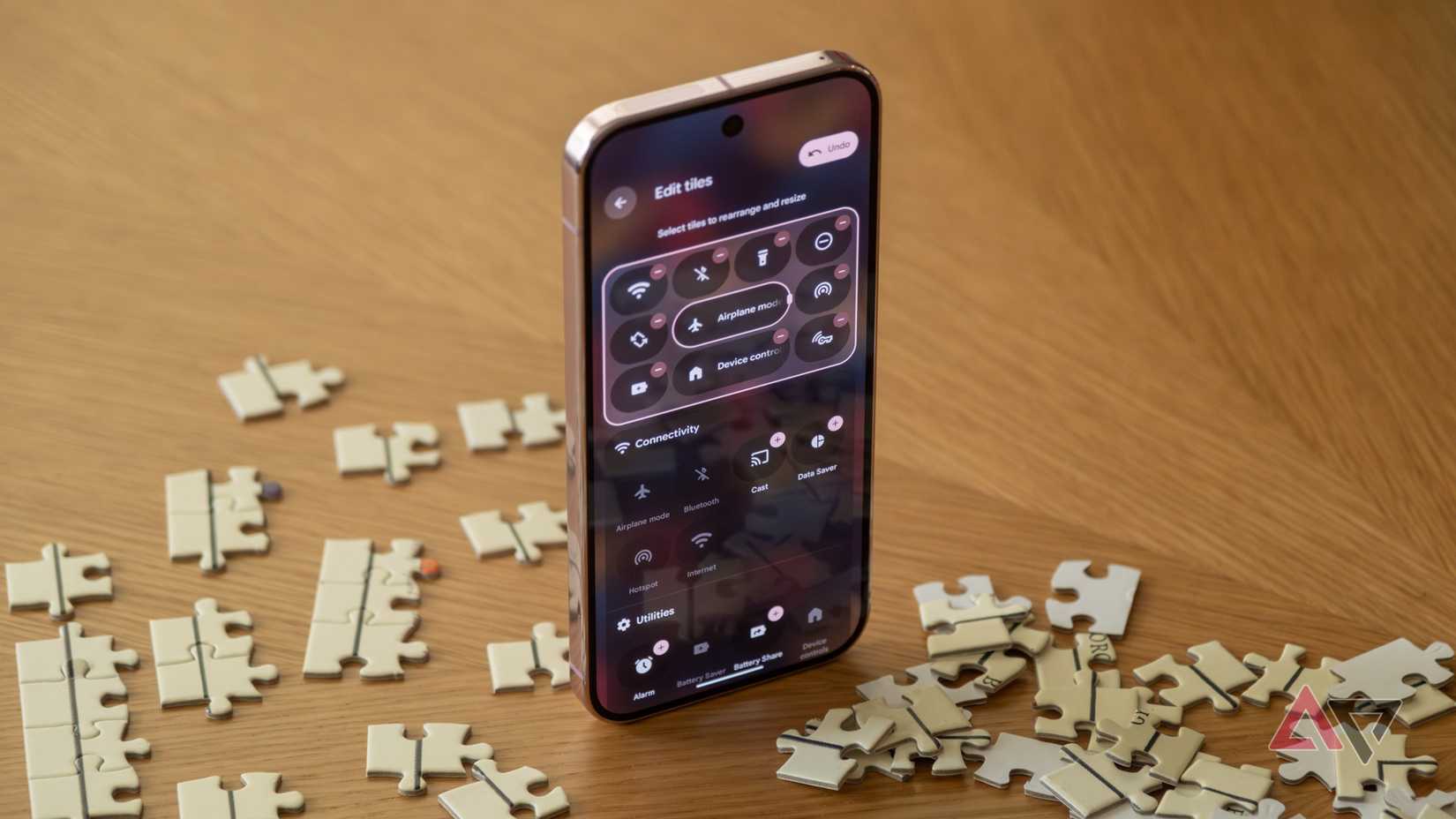
It's rare for an update to make us rethink how we use our phones, but Pixel Search does just that. Google's apps feel connected in a way they never felt before; I could see myself ditching third-party apps to fully experience Pixel Search's power.
Forget wasting time creating photo albums; Pixel Search can find the photo you need. Forget downloading apps to organize files; Pixel Search can locate any file instantly. Not sure whether the information was in Gmail or Messages? Pixel Search can tell you.
While older Pixels have received regular updates, they still fall behind. I could easily imagine picking up a Pixel 6 and feeling like it's new again after installing Pixel Search.
Google is focusing on utility upgrades, and I couldn't be more excited
Recent Android updates and Pixel Drops have brought subtle but useful upgrades to Pixel phones. I questioned whether Android was hitting a functionality ceiling, but Pixel Search proves that Google still has plenty of ideas.
Sure, those ideas revolve around upgrading existing features rather than developing new ones, but that's better than introducing new features for the sake of it. So I'll dust off my old Pixels and eagerly await Pixel Search to launch in full. It'll be worth the wait.