Longer cables or a network switch could save you a lot of hassle.
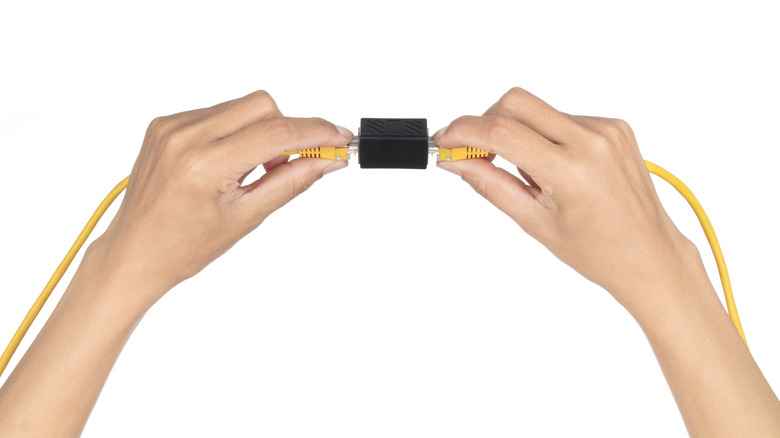
Move your desk a few feet and you may find that the perfectly good Ethernet cable that once easily connected your computer is now too short. If you happen to have a second Ethernet cable close by, a small RJ45 coupler will allow you to connect them together with little effort. There's no need to find an outlet for power, read through a setup guide or even become certified as a network professional. A quality coupler shouldn't noticeably slow your internet connection either.
But that small adapter does add another connection you'd need to check if the network starts acting up. For a permanent setup, a single longer cable is usually simpler, but if you've already routed the cable and want more wired ports at the other end, a network switch makes a lot more sense.
Why joining Ethernet cables can cause problems
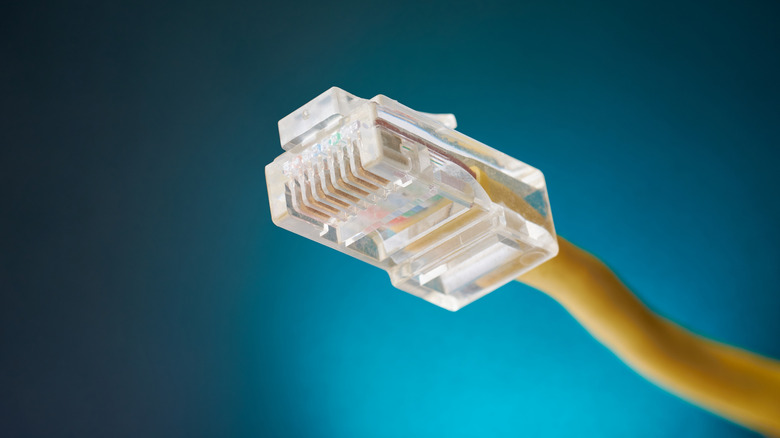
An Ethernet coupler is as simple as network hardware can be: two RJ45 sockets connected together. It does not increase signal strength or establish a separate Ethernet link. With good connectors, one coupler works perfectly well. The additional connection is a potential failure point, though, especially if the adapter is poorly made or prone to bumps.
A bad join could result in occasional dropouts, transmission errors or a link falling back to 100 Mbps instead of 1 Gbps. If so, use a good-quality cable without the coupler before spending an afternoon rebooting your router and calling your internet provider.
The other limit is Ethernet cable length. The standard copper Ethernet channel limit is 328 feet (100 meters), including patch cords, so joining two 200-foot cables would exceed that limit. A coupler isn't going to reset it.
trueCABLE tested various combinations of Cat6 and Cat6A cables and couplers with a Fluke DSX-8000 cable tester. Configurations with three couplers generally passed, although one earned a marginal pass (technically a failure). Configurations with four couplers failed. This is not a universal breaking point, as the tests were conducted on specific cables and couplers. It does show why adding more joins than necessary is a bad idea.
What to use instead of an Ethernet coupler
If you're using a single PC or console, perhaps begin with a single Ethernet cable that is long enough to reach. You eliminate the additional connection and you won't need an outlet for more hardware. Also, ensure you leave some slack when routing it around furniture rather than pulling it tight behind a desk. Typically, a Gigabit connection can be achieved with good Cat5e or Cat6 cable. Even an expensive Cat8 cable won't magically fix poor cord routing.
Replacing an existing cable is a different proposition. After spending half an afternoon routing an Ethernet cable to your entertainment center, you might now have a TV, console and streaming box waiting for ports. Here, a small unmanaged network switch makes sense. Connect the incoming cable to one port and the devices to the others. A five-port model leaves four ports available for additional devices as one is used to connect to the router.
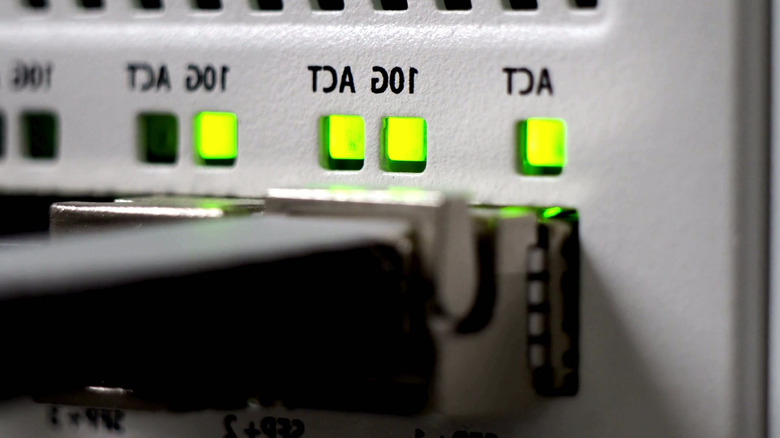
The switch creates separate Ethernet links, each with its own distance limit, unlike a coupler. Basic unmanaged five-port Gigabit switches can be purchased for around $15 and require no configuration. The switch still needs power, though, and a 1 Gbps model will downgrade transfers via faster cable standards.
If you're installing a security camera or wireless access point, one more thing to note: a standard non-PoE switch will not supply Power over Ethernet to connected devices. You'll need a PoE-capable switch or injector for devices that require such support.