
- The Bing Wallpaper app has seen an annoying feature reintroduced
- This means those clicking on a blank space of the Windows 11 desktop will get a Bing search fired up in their default browser
- Unlike the last time Microsoft tried this stunt, there's no way to disable the ability this time around
Microsoft is up to its old tricks again, except even worse this time — with a scheme whereby Windows 11 users with the Bing Wallpaper app installed are sent to its search engine with a mere stray click on the desktop.
Windows Latest reports that an old, potentially off-putting shortcut has been reintroduced to the Bing Wallpaper app, whereby if you click anywhere on the Windows 11 desktop, a search in the (separate) Bing engine is fired up (in your default web browser).
If you recall, this actually happened a year ago, but Microsoft reversed course, although now appears to be trying to reintroduce this feature. The difference is that this time around, Windows Latest notes that there's no option to turn off the functionality (which present last year, in the app's settings).
However, there are some points to note here: firstly that you must choose to install the Bing Wallpaper app (which cycles Bing images daily for your desktop background). It's not a default Windows 11 app, so this isn't something Microsoft is piping directly to Windows users.
Secondly, the Bing search doesn't trigger every time you click on a blank piece of desktop (a space without a file, folder or icon). It does this once, and then the Bing search won't be triggered for another 24 hours. You'll only experience this once per day, in other words.
Analysis: Microsoft must do better
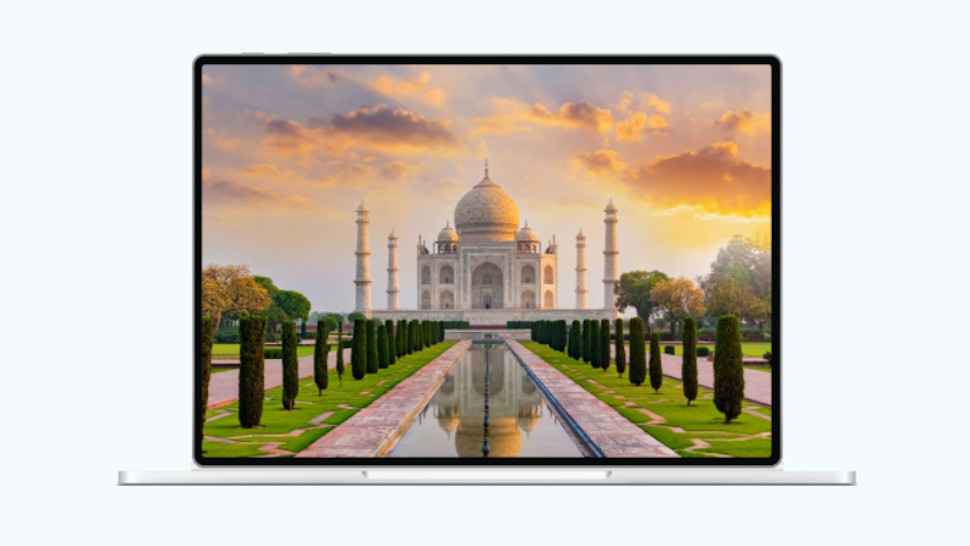
Just because this app isn't part of Windows 11 by default doesn't give Microsoft the excuse to push functionality like this. It's just going to annoy or even confuse people if they accidentally click the desktop and end up with a Bing search being loaded.
The search relates to the wallpaper image, in case you're curious, and fair enough – maybe some folks might be inquisitive and actually want to know more about the picture by clicking on it.
However, this should be an ability that's optional and can be turned on, not something that's enabled by default. What's worse still is that in this new incarnation of the click-to-Bing farce, you can't even turn it off if you want to do so.
Why is Microsoft engaging with this kind of nonsense to promote its own services? I really can't begin to guess given that 2026 is the year of fixing Windows 11 and curing all the ills around the OS, and while this app may not be part of the operating system, it's still a piece of official Microsoft software – and there shouldn't be any place for this cynical Bing traffic grab or any other remotely anti-consumer practices.
Whether it's a part of Windows by default, or not – or whether you have to be 'foolish' to install the Bing Wallpaper app, as some online commenters argue – is besides the point. Microsoft is supposed to be better than this now, but another episode with a recent Harry Potter advert in this Bing app – one that provoked a considerable rebellion – suggests that it very much needs to try harder.

Darren is a freelancer writing news and features for TechRadar (and occasionally T3) across a broad range of computing topics including CPUs, GPUs, various other hardware, VPNs, antivirus and more. He has written about tech for the best part of three decades, and writes books in his spare time (his debut novel - 'I Know What You Did Last Supper' - was published by Hachette UK in 2013).