Xerox's C240 is the single-function variety of the new C255a color laser multifunction we reviewed recently. The C240 doesn't just pick up the MFP's compact printer; it gets some of its more impressive features too, including wired and wireless networking, a color touchscreen and automatic double-sided (duplex) printing. That's impressive value on a color laser at this price, although as with the MFP, this printer's 25 pages per minute (ppm) maximum speed isn't going to break any records.
It isn't just the Xerox C240's price that's diminutive. This printer is one of the more compact color lasers we've seen, so it's comparatively easy to find room for it in a home office or a small business unit. When it comes to living with it, the lack of a breakneck print speed is actually an advantage – slower printers tend to be quieter, which is especially useful in the kind of smaller offices in which the C240 is likely to find itself.
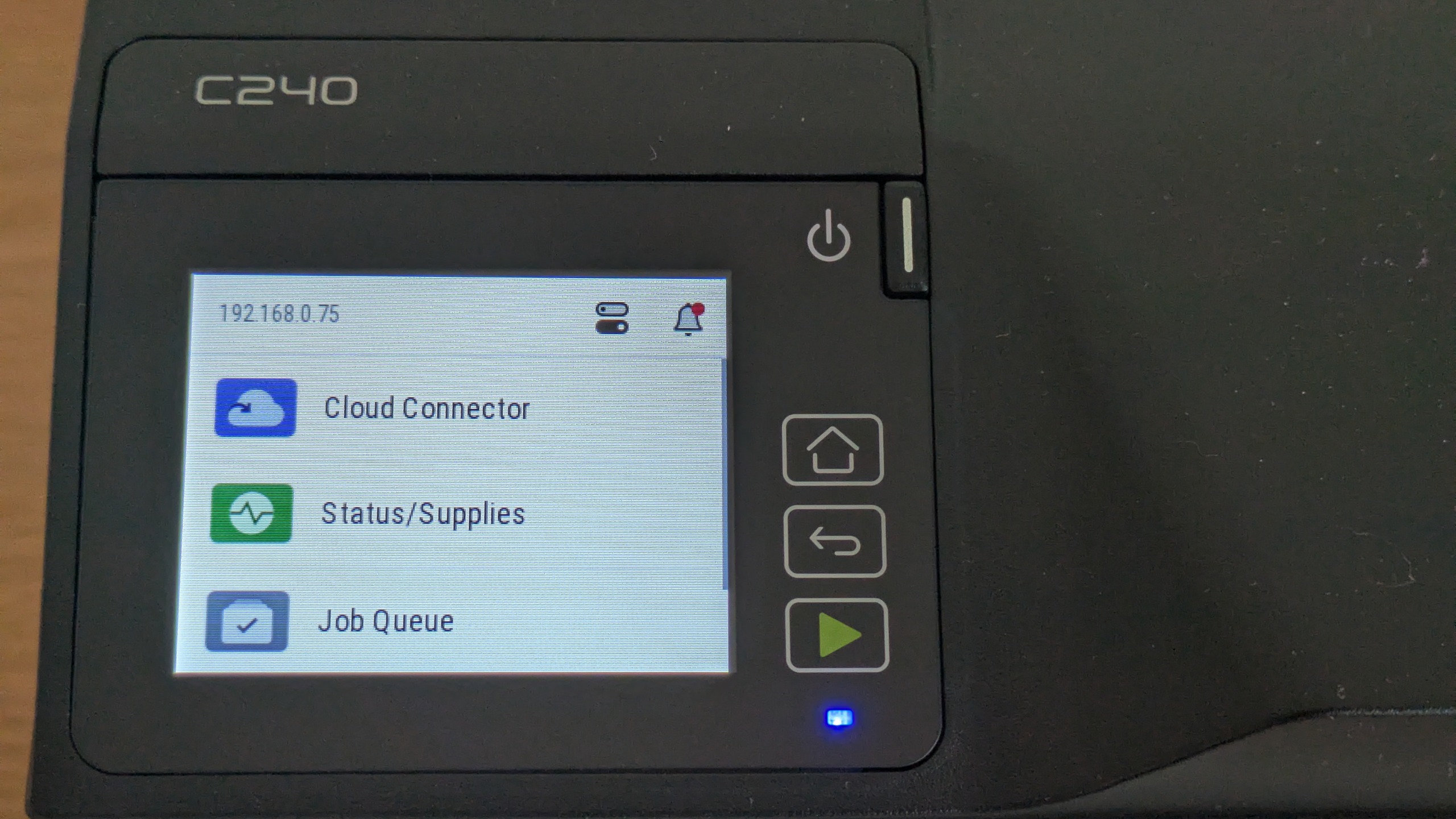
This isn't a bad-looking device, though it's at its best when viewed from the front, where the contrast between its black and white plastics is most effective. In its base, you'll find a simple 250-sheet cassette, just above which is a single-sheet bypass slot – handy if you need to print on headed paper or an envelope. On the top right is a 2.8in color touchscreen, although unlike the C255a this isn't paired with a USB host port, so there's no option for walk-up prints. If security is your main priority, you can get the printer to hold jobs for release via a PIN on the touchscreen.
It's a shame this printer's cassette doesn't accept a full ream of paper, and that its bypass feed is single-slot, but it's good to get automatic duplex (double-sided) printing – as important for presentation of longer documents as it is for saving paper.
Talking of savings, there's mixed news when it comes to the C240's running costs. This printer's supplied toners are only good for 750 black or 500 color pages. When they're gone, costs work out at around 2.2p ex VAT per black page, or 11.5p for a full-color (black, cyan, magenta and yellow) page. That's reasonably competitive for this class of device, but clearly far more than you'd pay to run a more highly-specced workgroup printer – let alone a refillable inkjet. One plus is that, with only four consumables plus a 50,000-page waste toner bottle, remote users or branch offices shouldn't struggle to maintain this printer independently.
Weighing 'only' 16 kg or so, this printer is likely to be a safe lift for a reasonably fit person. As mentioned, it's also fairly compact, so it's quite easy to accommodate on a larger desktop. One note of caution here is that there are vents to the left and rear, so don't aim to place it flush against a wall or cubicle divider on those sides.
This printer arrives with a smattering of tape and plastic transit spacers which all need removing before use. It's not especially onerous, though, again making it suitable if you're rolling printers out to remote staff and relying on them to complete the physical setup. The only other step of note is configuring an admin account on the first boot-up – it's worth being ahead of this to prevent users setting and forgetting their own.
Sign up today and you will receive a free copy of our Future Focus 2026 report - the leading resource for IT decision-maker insight on priorities and investment areas in AI, security and more.
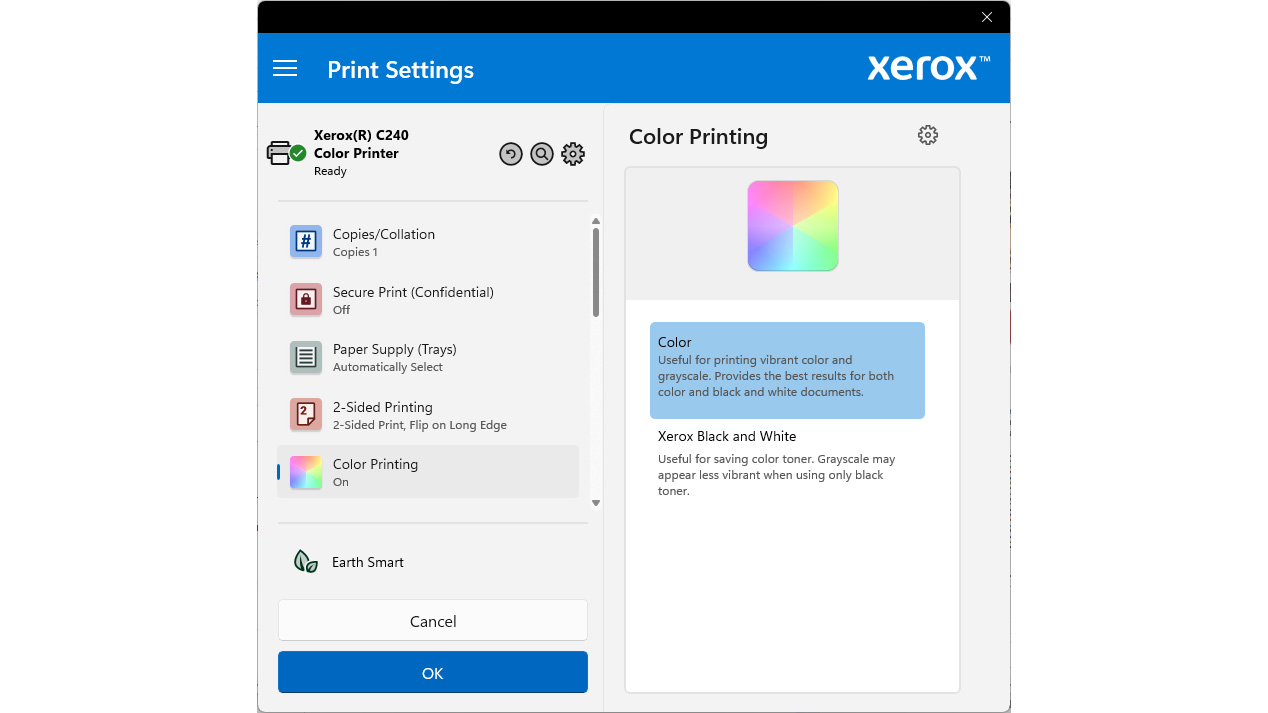
Xerox's software installer doesn't contain any nasty surprises, although we found that on the two Windows 11 PCs we tried it failed to set up the recommended IPP print driver, instead falling back to Xerox's Type 3 Print System. We couldn't troubleshoot the problem, but the fallback worked fine.
No matter how good office inkjets get, there's still something satisfying about the no-fuss way that even a basic laser goes about printing. The C240 was relatively quick to warm up, requiring about 18 seconds to deliver a first page of black text after it had been idle for an hour. From standby, this dropped to just 14 seconds, fast enough that even fast inkjets wouldn't have a significant advantage on short one- or two-page jobs.
We found that the C255a MFP fell some way short of Xerox's stated 25ppm print speed. The C240 did a little better, but its best performance was still only 20.5ppm when printing 25 copies of a formal letter. We found that Xerox's driver was slow to spool multi-page jobs, meaning that – unusually – this printer was actually slower over our 50-page Alice in Wonderland extract, managing only 18.8ppm.
The Xerox C240 was much slower when printing graphics, again not helped by comparatively long spool times for our 24-page color document. It needed nearly 34 seconds before the printer even started warming up, although the first page landed only three seconds after that. Here it's worth noting that color printing was quicker on short jobs: sent a single page, the printer delivered it from standby in 18 seconds. We include spool times in our print speed calculations, as they give a more realistic indication of the print speeds you can expect in practice. Unfortunately, that meant the C240 reached only 13.2ppm on our mixed graphics test.
This printer was about as fast as we'd expect when printing photos, delivering two 10x8" images on A4 sheets in 20 seconds. It also printed six 6x4" (15x10cm) snaps onto three A4 sheets in only 21 seconds. Here it's worth noting that the C240 defaults to the higher of its two print quality settings – it doesn't seem any quicker if you drop the quality setting down.
As we've mentioned, with a modest print speed, the C240 doesn't bang or clack quite as enthusiastically as more heavy-duty printers. Its cooling fans also seem smarter than the norm, only spinning up in earnest after a few pages once the print engine is fully hot, and stopping almost immediately once the job is done.
If your primary interest is decent text quality, the C240 has good news for you. It's a match for any laser printer when it comes to printing sharp and well-defined black text, even down to very small or thin fonts. There's certainly nothing that would give it away as a budget model, meaning you could use it with confidence for formal reports or letters.
Things aren't quite so straightforward when it comes to graphics. In some ways, our test prints were excellent, displaying lovely, consistent toner coverage with a good sheen to it. We couldn't make out any obvious half-toning patterns in our prints, and there was an impressively smooth progression between shades in our test presentation slides – only one teal background had a very subtle band midway through.
Unfortunately, though, all of our graphical and photo prints were cursed with a cool blue color bias, which froze the life out of illustrations and punchy charts, and left the most fair-skinned portrait subjects looking slightly ill. Worse, there were no obvious options in the driver that would let us compensate for this. As such, this wouldn't be our choice where high-quality, punchy graphics were the order of the day.
Xerox C240 review: Is it worth it?
This printer has its strengths. It's certainly good value, and could be ideal if you're mostly after a competent text printer that's up for occasional bursts of color. While it's not cheap to run, it's not exactly unreasonable for a near-entry-level device – it certainly wouldn't punish you unless you start printing far more than you expected. Ultimately, however, the blue graphics we experienced would be a problem for any business users expecting a bit of vibrancy in their reports or charts. While perhaps not a deal breaker, judged by print quality, there are better lasers out there.
|
Color laser printer |
||
|
Maximum print resolution |
2,400x600dpi |
|
|
244x411x400mm |
||
|
16.3kg |
||
|
Maximum paper size |
||
|
One year onsite |