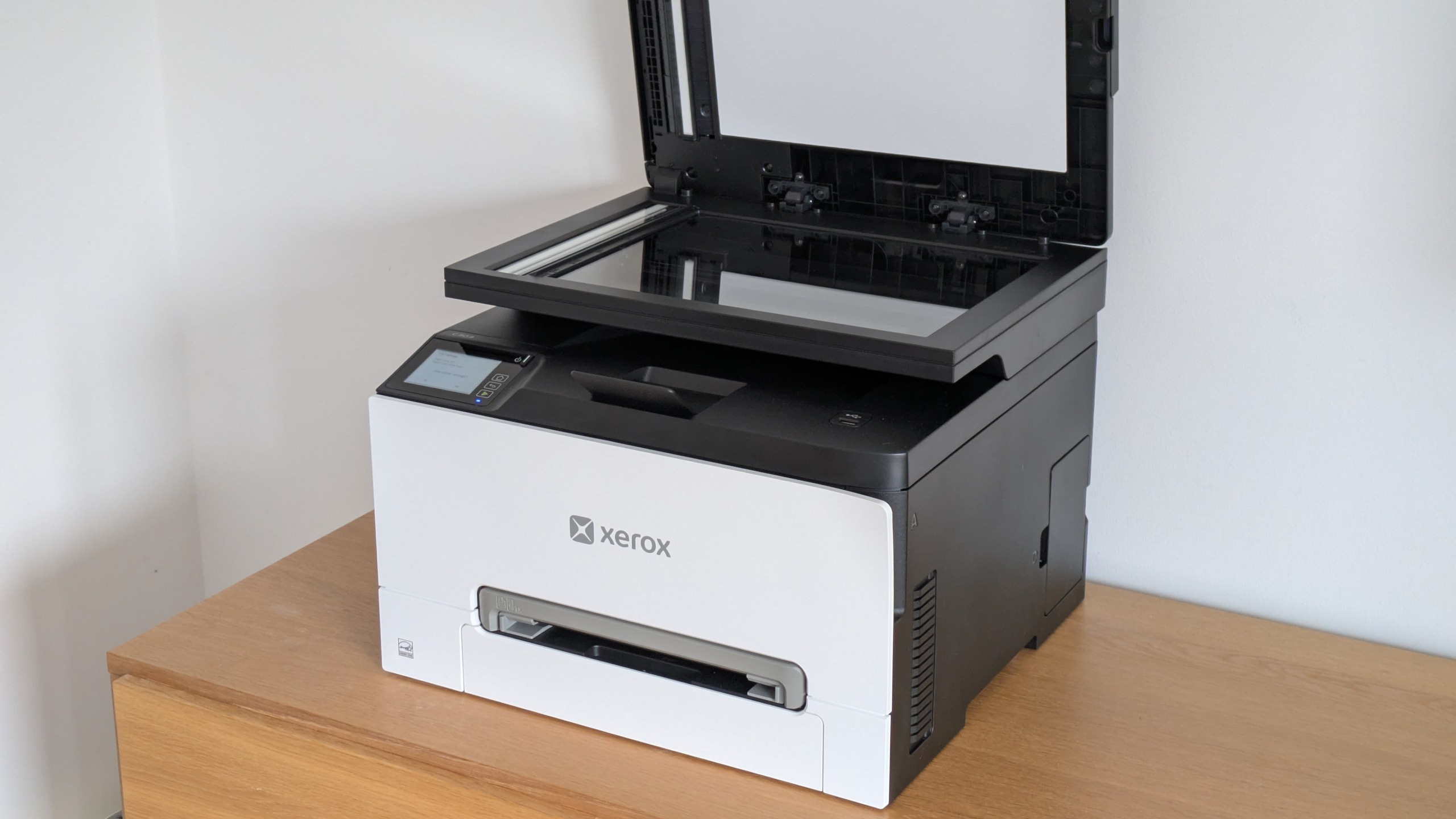
Xerox recently released a gaggle of new affordable color laser printers and MFPs for small businesses. The Xerox C303a sits near the top of this range, a multifunction that offers a few steps up from the entry level in terms of specs, performance, and reasonable running costs.
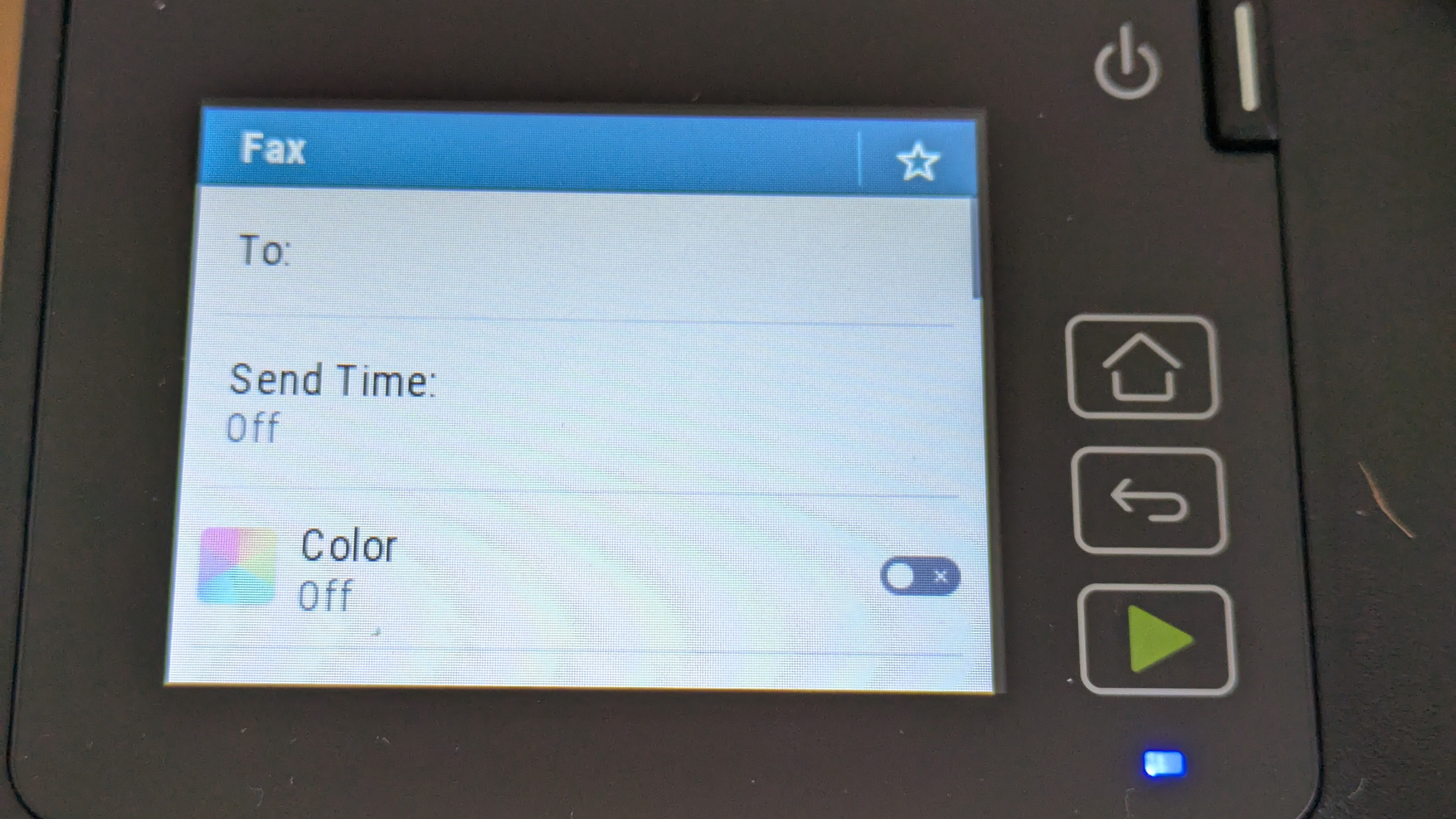
The C303a is a four-in-one, combining print, scan, copy and fax. On top, you'll notice its automatic document feeder (ADF), well specified with a total 50-sheet input and duplex (double-sided) capability. This is paired with a laser engine rated at 30 pages per minute (ppm) – it's also duplex-capable, so you can make double-sided prints, copies, scans, or faxes if you need to. The C303a is well-specified in depth, offering gigabit Ethernet along with Wi-Fi, a 2.8in (7.1cm) color touchscreen and a USB host port for walk-up prints and scans. The only significant disappointments are that it has a 250 (rather than 500) sheet paper cassette, and a single-sheet bypass rather than a proper multipurpose tray. Both are acceptable on a device this keenly priced.
Among the uplifts the C303a offers compared to devices lower in the range are a duty cycle of up to 75,000 monthly pages, a faster print speed, and compatibility with a larger range of consumables. While the C303a shares essentially the same range of toners found in the C240 and C255a we've reviewed elsewhere, it also gets extra-high capacity supplies rated for 6,200 black pages, or 6,400 for each color.
Once the 1,300-page black and 1,200-page color supplies from the box are used up, you'll pay about 1.6p ex VAT for a page of text, or 9.5p for a full-color (black, cyan, magenta and yellow) print. That's quite competitive for this class of laser device. We should point out, though, that many business inkjets are cheaper to run, and refillable ones more so by an order of magnitude.
This MFP offers some scope for future upgrades. Xerox will sell you a card reader, additional storage, a printer stand, or up to two extra 250-sheet cassettes, taking the combined total to a maximum 751 pages. And while the standard warranty is only one year, at the time of writing Xerox was offering both £35 cashback and a free three-year upgrade on registration, with up to five years if you regularly buy Xerox toners.
Although it's a little better specified than cheaper multifunctions in the range, the Xerox C303a isn't any bigger or heavier. At just under 20kg it may be a two-person lift, but it's reasonably compact and easy to fit onto large desktops or tables. You'll need some space at the left and back for ventilation, and at the right to avoid fouling the oversized ADF, but otherwise there are no surprises in store – unless you count the plastic spacers that aren't as obvious as the rest of the packaging material. Fortunately, the C303a reminds you to fish them out if you've left them.
We didn't get on brilliantly with Xerox's installer. We'd connected the C303a to our Wi-Fi network, but the software setup process wouldn't find it unless we manually entered its IP address. Sleep through the rest of the process, and you might wake up scratching your head: the installer failed to install either a TWAIN scan driver or the recommended print queue – fortunately it fell back to Type 3 Print System, which worked fine. If you need TWAIN, you need to select it manually.
Sign up today and you will receive a free copy of our Future Focus 2026 report - the leading resource for IT decision-maker insight on priorities and investment areas in AI, security and more.
Xerox has kept the drivers and software for this MFP fairly simple. That's great for 90% of jobs, but at times it feels like an oversimplification. For example, there aren't many in-depth color settings in the print driver, and while you can look at previews in the scan interface, you can't crop, rotate or make other basic edits before committing to a full scan. With no marquee option, and no custom scan area setting, we couldn't scan a 5x7in calibration target without white borders around its edges.
Xerox C303a review: Printing, scanning and copying
The Xerox C303a's 30ppm print speed is 5ppm better than you'll find on cheaper models in the range, but its performance on our tests was similarly mixed to the C255a. The C303a could deliver a first page of text in 11 seconds, needing another four seconds if it had been idle for more than an hour. It went on to print 25 pages at 25.9ppm, which isn't too far off the stated speed. Like the other models we tested, however, it was slow to spool longer documents, and hence slower to start printing. Our 50-page extract from Alice in Wonderland normally gives printers a chance to really get into their stride, but the C303a could only deliver it at 23.1ppm.
Things are worse in color. Again, this MFP was quite snappy to deliver a simple job, needing just 13 seconds for a first page. However, the driver needed longer to spool our more complex 24-page document, leading to a disappointing overall speed of just 14.7ppm. Our standard duplex test uses the first 10 pages of the same document, meaning this printer managed just 5.7 images (sides) per minute (ipm).
Fortunately, things were a bit more snappy on our scan and copy tests. The C303a needed only 5 seconds to preview an A4 page, and just nine seconds to capture it at either 150 or 300 dots per inch (dpi). Scans were similarly rapid at higher detail levels, with a 600dpi scan of a 6x4" (15x10cm) photo finishing in 11 seconds.
We timed a single mono copy at 11 seconds – unusually, single-page color copies were a couple of seconds faster. With sheets loaded in the ADF, the C303a needed 30 seconds for a 10-page mono copy, and 38 in color. We timed a 10-sheet, 20-side color duplex copy at just under a minute and a half – reasonably quick for a small office device.
Even the fastest multifunction is no good if it can't deliver strong results, and the news here was generally positive. We weren't overwhelmed by the C303a's scanner, which tended towards sombre colors rather than punchy and clear reproductions. While it was comfortably good enough for everyday office archival, it lacked the subtlety you'd want for exacting creative work.
Fortunately, this slightly gloomy bias didn't spill over into photocopies, which exhibited comparatively faithful colors and accurate exposure. Our mono copies were perhaps half a stop too dark, but still better than the norm for laser MFPs, which are rarely well calibrated out of the box.
The best news is that prints from this MFP didn't suffer the cool bias we saw in both the C240 and C255a. This printer laid down really strong and even colors onto the page, with a lovely and consistent finish from the toner. Photos and graphics could perhaps have been a little more vivid, but they were well above average across everything except our black and white photo test, which was underexposed at the cost of some fine shade detailing. Of course, black text was bold and crisp – it's been a while since we found a laser printer that couldn't deliver that.
Xerox C303a review: Is it worth it?
While we weren't convinced by either the C240 printer or its C255a multifunction sibling, the C303a is a strong device. For only about £50 more than the C255a, it offers an uprated print engine, higher duty cycle, and a duplex-capable ADF. Together they're more than worth paying extra, so it's a pleasant bonus that the C303a also uses higher capacity supplies that should lower your ongoing print costs. Factor in the fact that this MFP also produced consistently better color prints, and we wouldn't hesitate in choosing it over the cheaper model.
The only real downsides of the Xerox C303a are that it's a bit slow to start printing complex documents, especially in color, and that it doesn't have the best scan quality we've seen. Like most laser printers at this price, if you print in volume, its running costs will also add up. If none of that bothers you, it's a great choice for remote workers or micro offices.
|
Color laser MFP |
||
|
Maximum print resolution |
2,400x600dpi |
|
|
345x411x400mm |
||
|
19.8kg |
||
|
Maximum paper size |
||
|
One year onsite |