Force quit apps
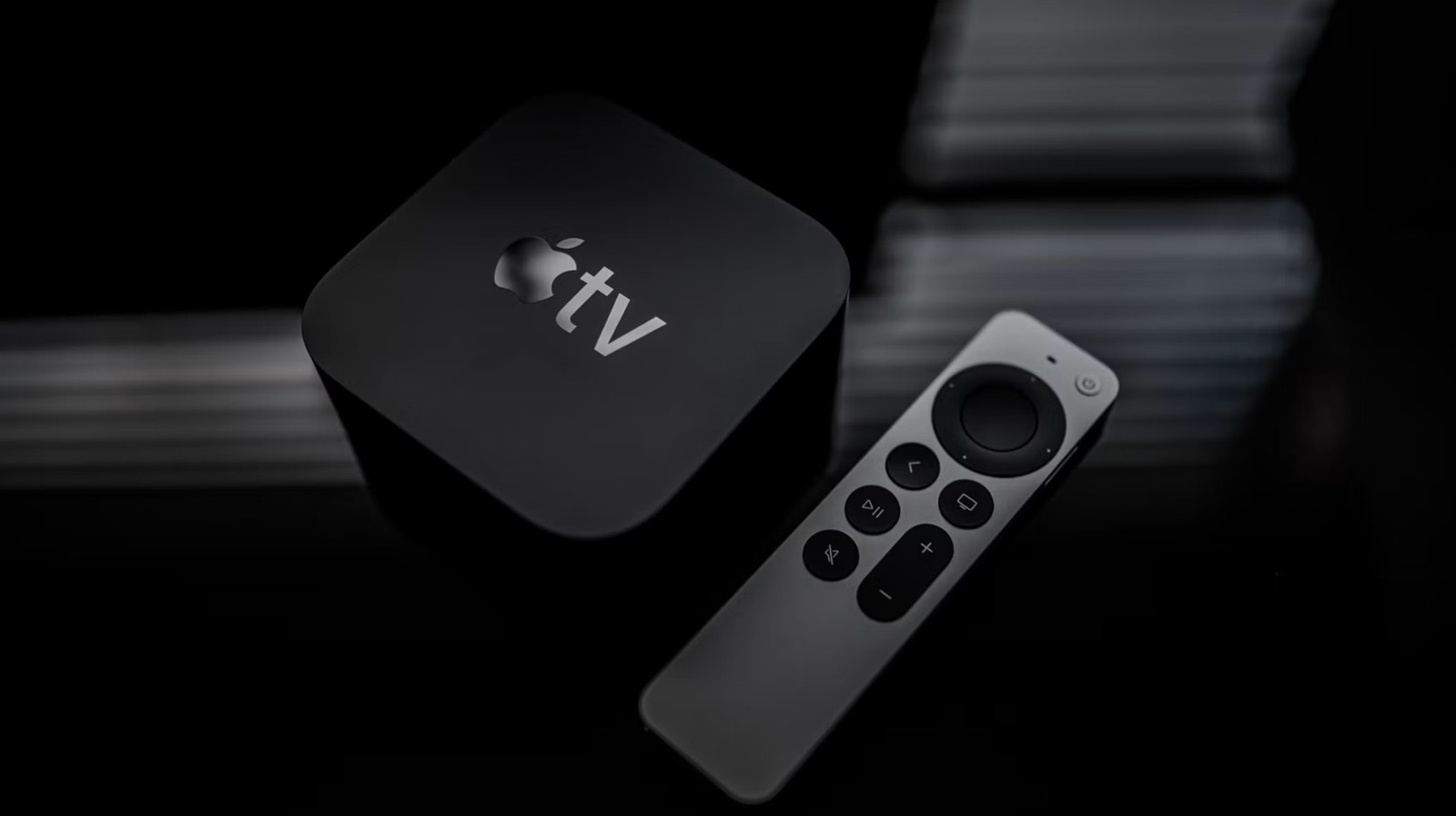
This pulls up windows of all of the open apps, just like on an iPhone or iPad. Use the clickpad buttons to navigate between these windows. Select an app you want to close and swipe upward on the center of the clickpad. This is helpful when an app glitches or freezes and it also frees up some computational power.
Quickly change up the audio source
Once the Control Center opens up, click the Audio Controls icon. This will list all available speakers. Pick your favorite and have at it.
Do all kinds of other stuff with the Control Center menu
The Control Center is extremely useful beyond swapping audio routing settings. This menu lets you change the wireless network, add Bluetooth controllers, access your smart home dashboard and a whole lot more. Remember, just long-press the Home/Control Center button, which is the one with the TV on it.
Scrub through video
The clickpad on the remote doubles as a timeline controller, offering precise controls that aren't available with many rival products. Press the Play/Pause button and slide your finger left or right to rewind or fast-forward. You can also draw circles on the clickpad to scrub back and forth, offering an even more intuitive control option. If you have an older Siri remote that lacks a clickpad, you can do the same thing on the touch surface at the top of the device.
Use the VoiceOver system
VoiceOver is Apple's audio description system that reads menus and descriptive text aloud as you navigate. This feature was originally designed for those with vision impairments, but it's useful to anyone who enjoys spoken feedback. You can turn this on in the Accessibility settings.
Instantly switch between lowercase and uppercase
Summon screen saver images
Apple's tvOS offers access to some visually striking screen saver images. The platform also lets people use their own pictures from the cloud as screen savers. It's really easy to initiate this process, even if the TV hasn't been idle. Just double-press the back button, which is also called the menu button on older remotes. This is the one with the symbol of a triangle pointing to the right.