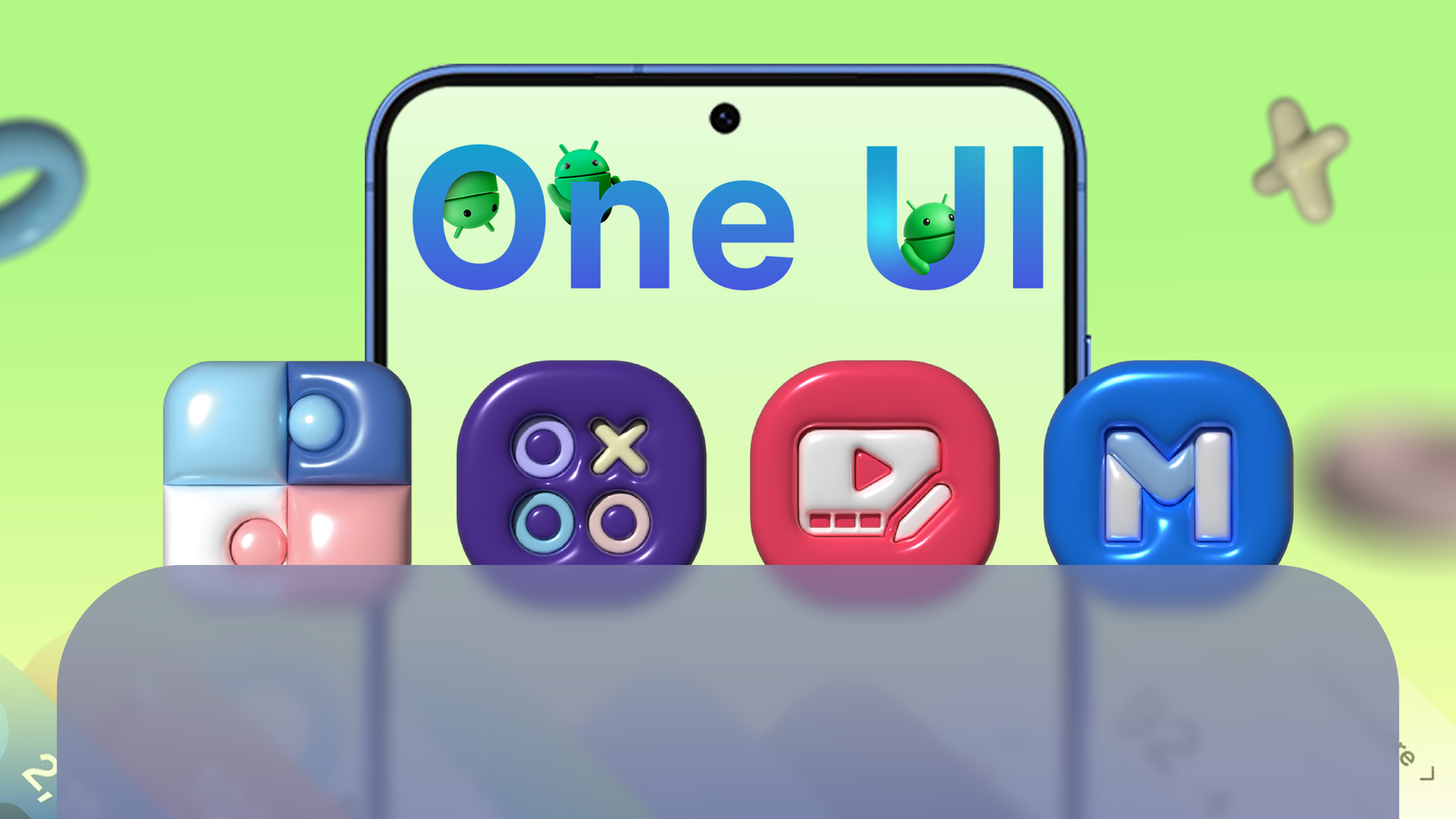
When you first set up your new , you probably did two things.
First, you opened the pre-installed Samsung folder and felt a bit overwhelmed. Second, you moved it to the back of your app drawer, convinced it was just unnecessary bloatware taking up space.
You probably bought a Galaxy for the gorgeous screen and powerful hardware, not for software filler. But recent One UI updates have changed Samsung's native apps.
Here are seven One UI apps that you may be ignoring, but they should be front and center on your home screen.
Customize your Galaxy like a pro with Good Lock
Get early access to new features

Most casual users ignore the Galaxy Store's Good Lock app because it's a separate download that looks like a complicated third-party system mod. It seems complex, like something only an enthusiast would bother with.
In reality, Good Lock is Samsung's officially sanctioned laboratory, offering modular access to features that aren't in the main settings menu yet because they're too advanced or experimental.
Adopting these early-access utilities usually means you get official perks that regular Android users don't.
RegiStar is a great example of a Good Lock tool that really changes how you interact with your device.
It lets you map a double or triple tap on the back of your phone to quickly run system commands, like taking a screenshot, opening recent apps, or launching your favorite third-party apps.
Another useful module is SoundAssistant. It gives you full control over your phone's sound settings. SoundAssistant's best feature is Multi-Sound Routing. You can send audio to two Bluetooth devices at once.
Plus, you get per-app volume control, so for example, you can set it so music won't drown out navigation prompts.
Gaming Hub keeps your Galaxy cool while you play
Those long gaming sessions will last even longer
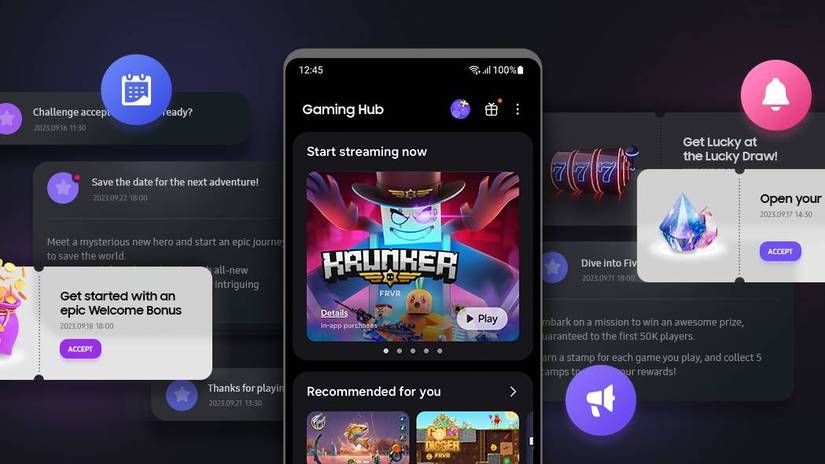
Casual users often see the Gaming Hub (formerly Game Launcher) as an annoying folder that groups their games or shows unwanted ads. But they don't realize it includes a feature that changes how their phone handles power.
The Pause USB Power Delivery setting lets the charger skip the battery and power the processor directly.
To use Pause USB Power Delivery, you need a 25W+ USB PD PPS charger and a battery level above 20%. If you use a standard charger or have a low battery level, the feature won't be available or will not work.
This stops the battery from charging — and heating up — while you game, which lowers your device's temperature and protects the battery over time. It turns your phone into a cooler-running console that performs better during long gaming sessions.
Edit videos like a pro with Samsung Studio
Yet it's still simple enough for casual users

When people open the Gallery and tap the edit icon on a video, they usually think it's only basic trimming and cropping, so they download video editing apps. But that's where they miss out on Samsung's clever Studio feature.
Samsung's Studio goes head-to-head with third-party tools. It is a project-based, multi-layer editing app with a full timeline editor that lets you handle multiple clips, text layers, stickers, and more.
This timeline layout lets you build complex videos on your phone. By keeping Studio separate from the gallery trimmer, Samsung keeps casual users from feeling overwhelmed while giving creators access to a powerful editor.
Because Studio is built into the phone, you won't deal with annoying watermarks, limited free features, or paywalls like you would with many external editors.


Use Samsung Members to check your phone's health
It can save you time and money
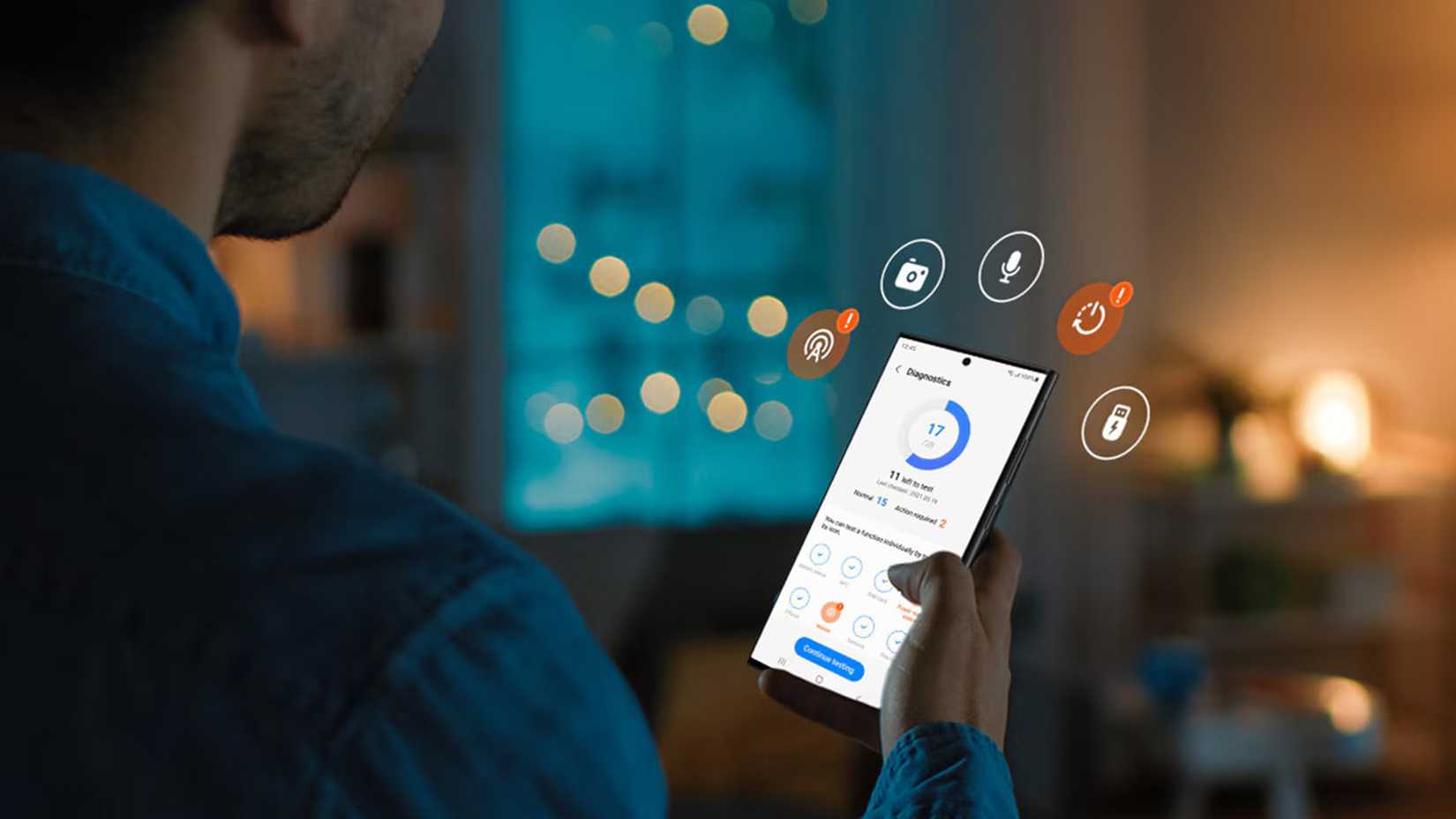
Many people see the Samsung Members app as marketing noise, a support hub, or a confusing forum they ignore.
But they miss an opportunity: It saves time and money by letting you run basic hardware checks instead of relying on service centers.
The Built-in Hardware Diagnostics lets you run thorough, validated tests on key hardware like the display, cameras, microphone, speakers, USB ports, and battery.
It's perfect for reducing financial risk when buying or selling a used Galaxy device by giving you a trusted health report. You can run all the tests at once or pick and choose which parts to check individually.
Automate your Galaxy with Modes and Routines
Use If/Then logic to make your phone work for you
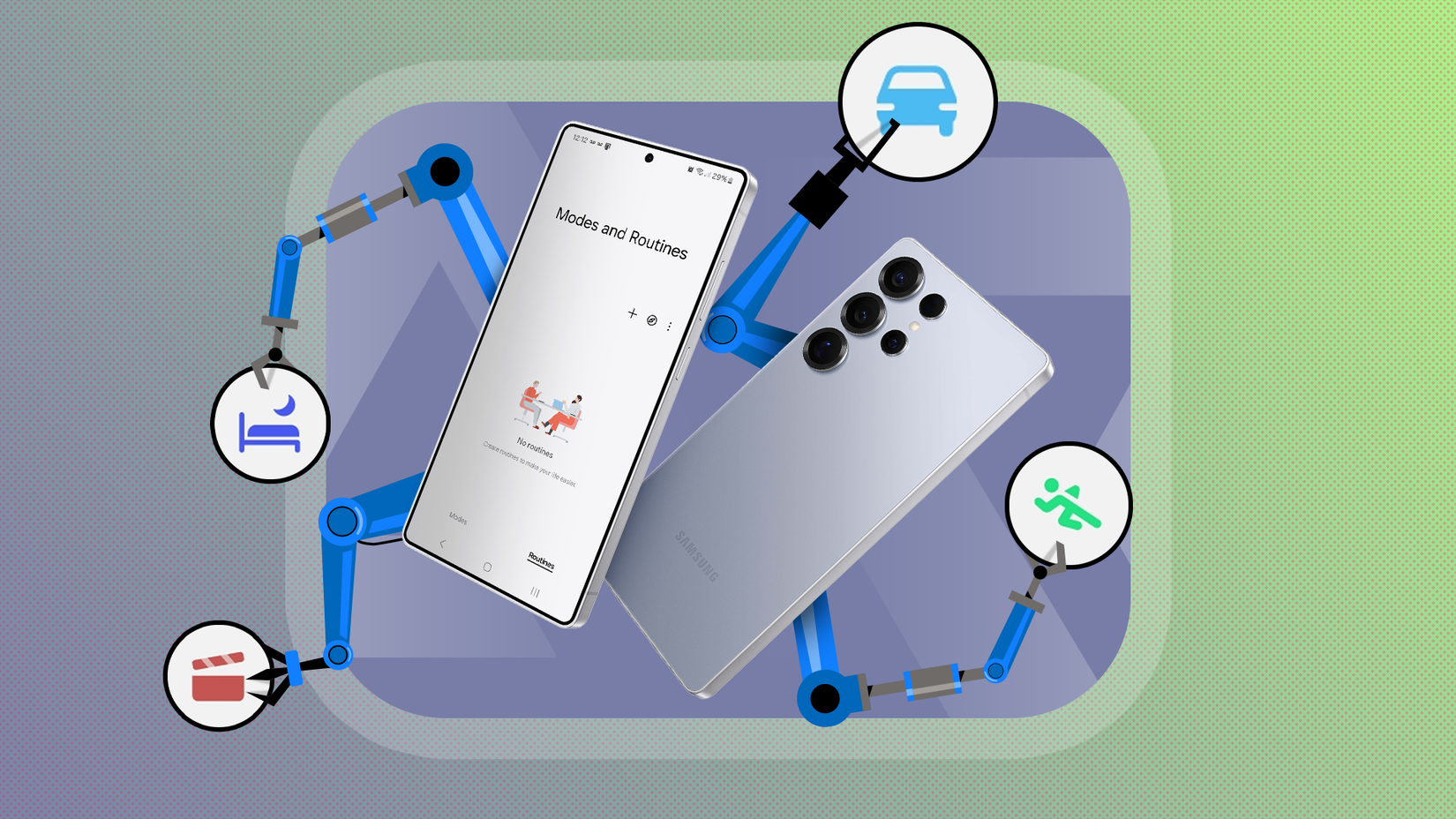
Users often find Modes and Routines confusing or think they're just a basic feature, so they stick to changing settings manually. However, this is Samsung's powerful built-in automation system that replaces third-party scripting apps.
This tool uses intuitive If/Then logic to automate deep system behavior based on triggers like app launch, location, or device connection.
Because it's natively integrated, it's more stable than external automation tools. You can do anything with it. Consider these .
Auto-rotate fix for media
You can automate the common chore of manually switching the screen lock toggle when switching to a video app.
With this simple automation, when YouTube launches, your phone switches the screen orientation to auto-rotate, and when you exit the app, it restores the previous screen orientation setting.
(App opened: YouTube), (Screen orientation: Auto rotate).
You can skip the daily task of manually silencing your phone when you arrive at work by letting your phone switch profiles automatically.
(Place: Work Location), (DND: On; Lock Screen: Custom Wallpaper).
Samsung Browser is better than Chrome for a mobile browsing experience
It's fine-tuned for navigating the web
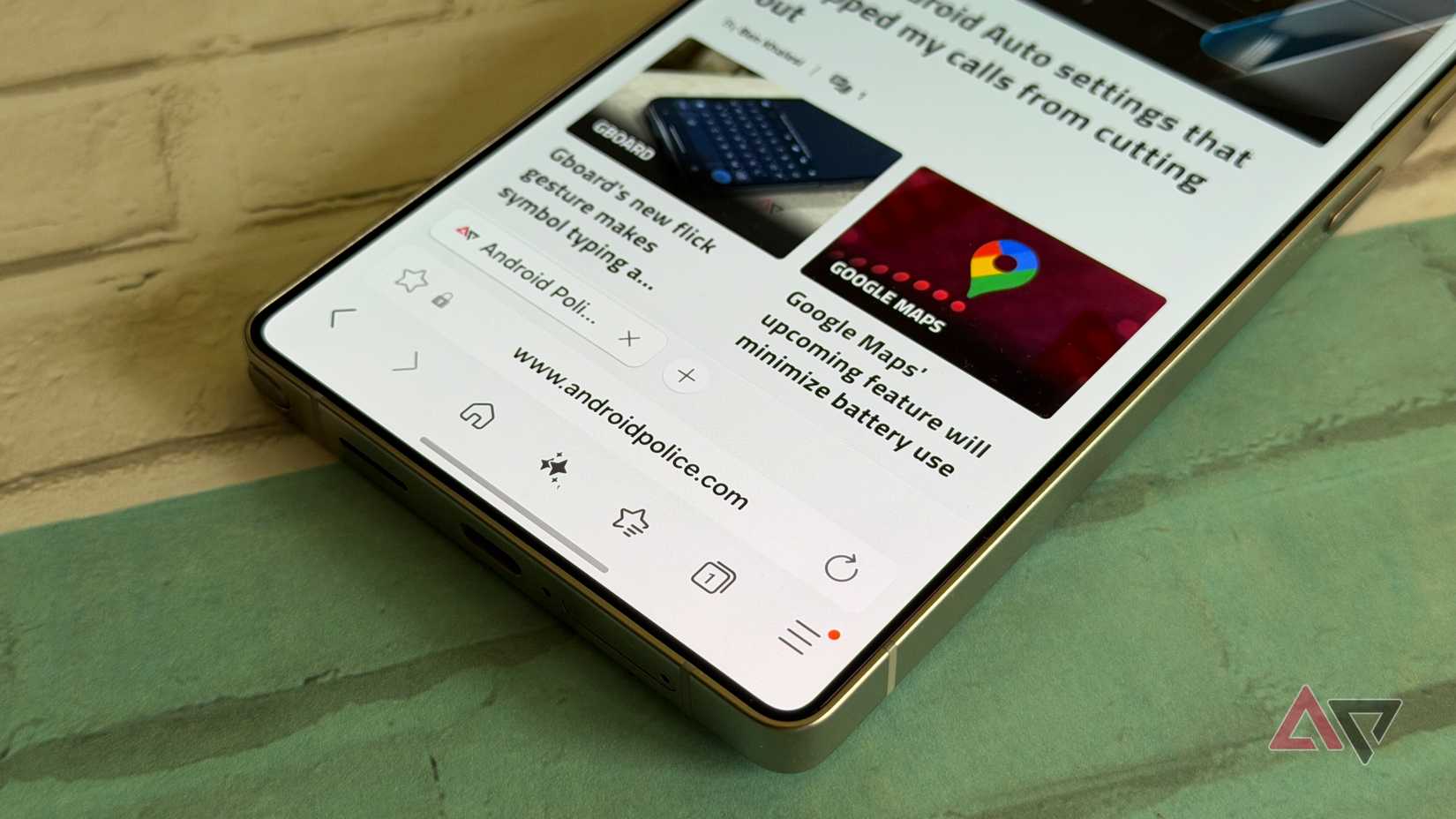
Most people ditch the native browser right away for Google Chrome, thinking the pre-installed one is outdated.
They see Chrome as the go-to for syncing and speed, and write off Samsung Browser as just an OEM copy. But that misses the point. Samsung Browser is actually fine-tuned for mobile navigation in ways Chrome isn't.
For example, while other browsers make you deal with tiny, awkward web player controls, Samsung Browser spots web videos and adds its own native, gesture-based controls.
Plus, unlike mobile Chrome, Samsung Browser lets you use third-party extensions right out of the box.
It also comes with a Privacy Dashboard and anti-tracking, which actively blocks tracking cookies that Chrome often misses.
And its Secret Mode beats Chrome's Incognito. It lets you secure your private tabs using biometric locks, keeping your browsing private even if you hand over your unlocked phone.
Samsung Flow beats Phone Link for Galaxy users
Share information between all your devices
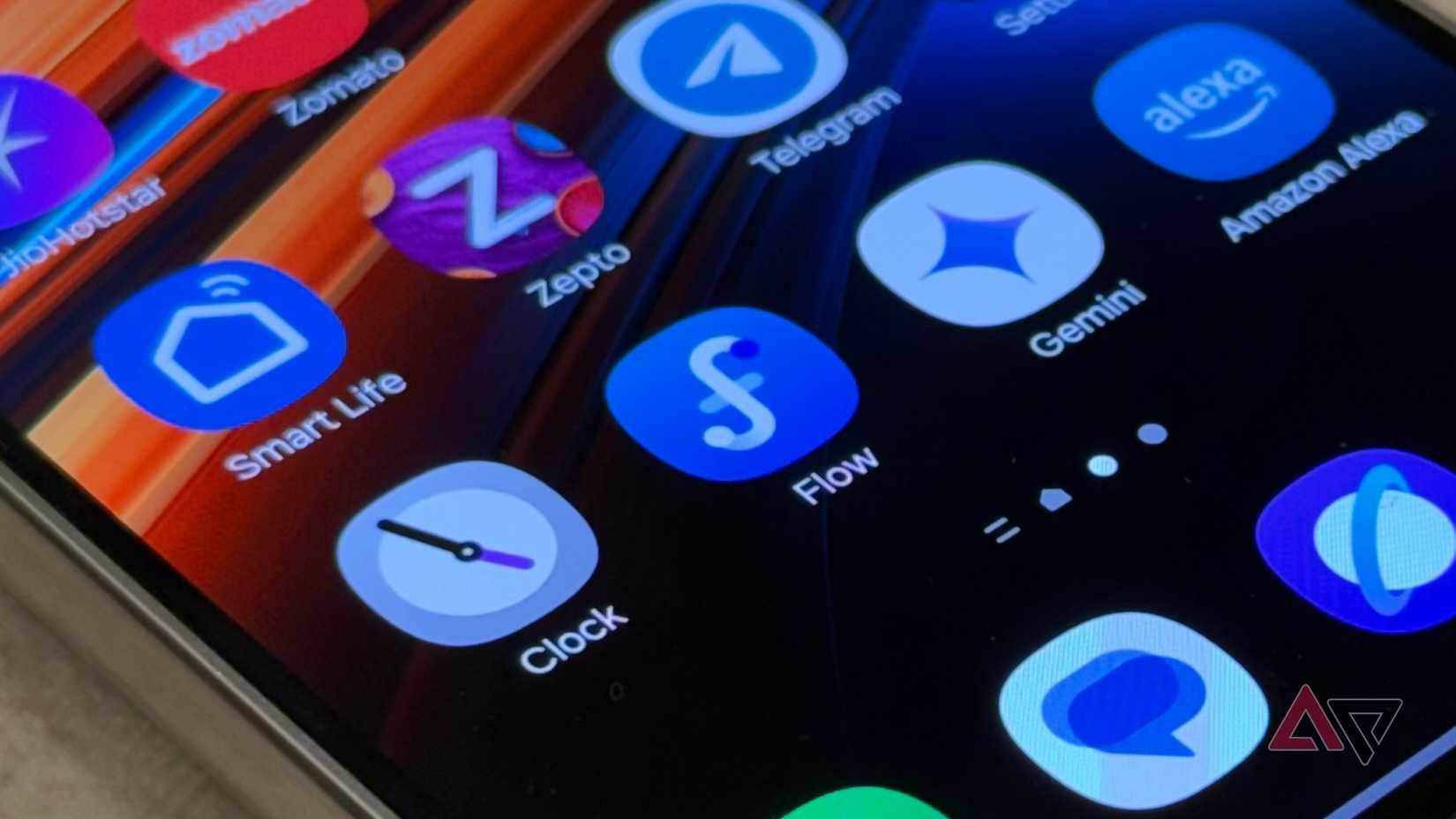
As Microsoft's Phone Link gains popularity, many users mistakenly assume Samsung's native app, Samsung Flow, is redundant or less capable.
While Phone Link offers similar features, Samsung Flow stands out with its instant, seamless copy-and-paste between Galaxy phones, tablets, and Windows PCs.
That fast, lag-free sync makes all the difference in busy work situations where even small delays from general apps can throw you off.
Samsung folder is not full of bloatware
Saying the Samsung folder only has unnecessary apps is old news. Although some still want it gone, Samsung is investing heavily in built-in One UI tools.
Native integration lets them do system-level tasks faster, more reliably, and with better energy efficiency than any third-party app.
By replacing paid tools with free, officially supported options, it's clear that some of the best hidden value on your Galaxy phone is tucked away in overlooked spots.