While there have been some stumbles along the way, Google has been working relentlessly to improve the Google Home and Gemini for Home experience. Over the past few months, it has rolled out multiple monthly updates to address user feedback and enhance the overall experience. Continuing that trend, the latest Google Home update makes Gemini faster and smarter for everyday tasks.
Google says the latest round of Gemini for Home improvements enhances its ability to understand and respond to your commands, even in noisy environments. Additionally, latency for daily smart home tasks, like setting an alarm or timer, has been reduced for quicker responses.
Multilingual understanding is also being improved, and Gemini for Home should now better understand commands in households where three languages are spoken.
Gemini for Home is getting better at handling custom commands in Routines. When you start a routine by voice or set it to run on a specific speaker or display, Gemini will now treat its written commands as if you had spoken them directly to that device. This should make your routines more reliable and predictable.
Better controls, smoother camera playback, fewer headaches
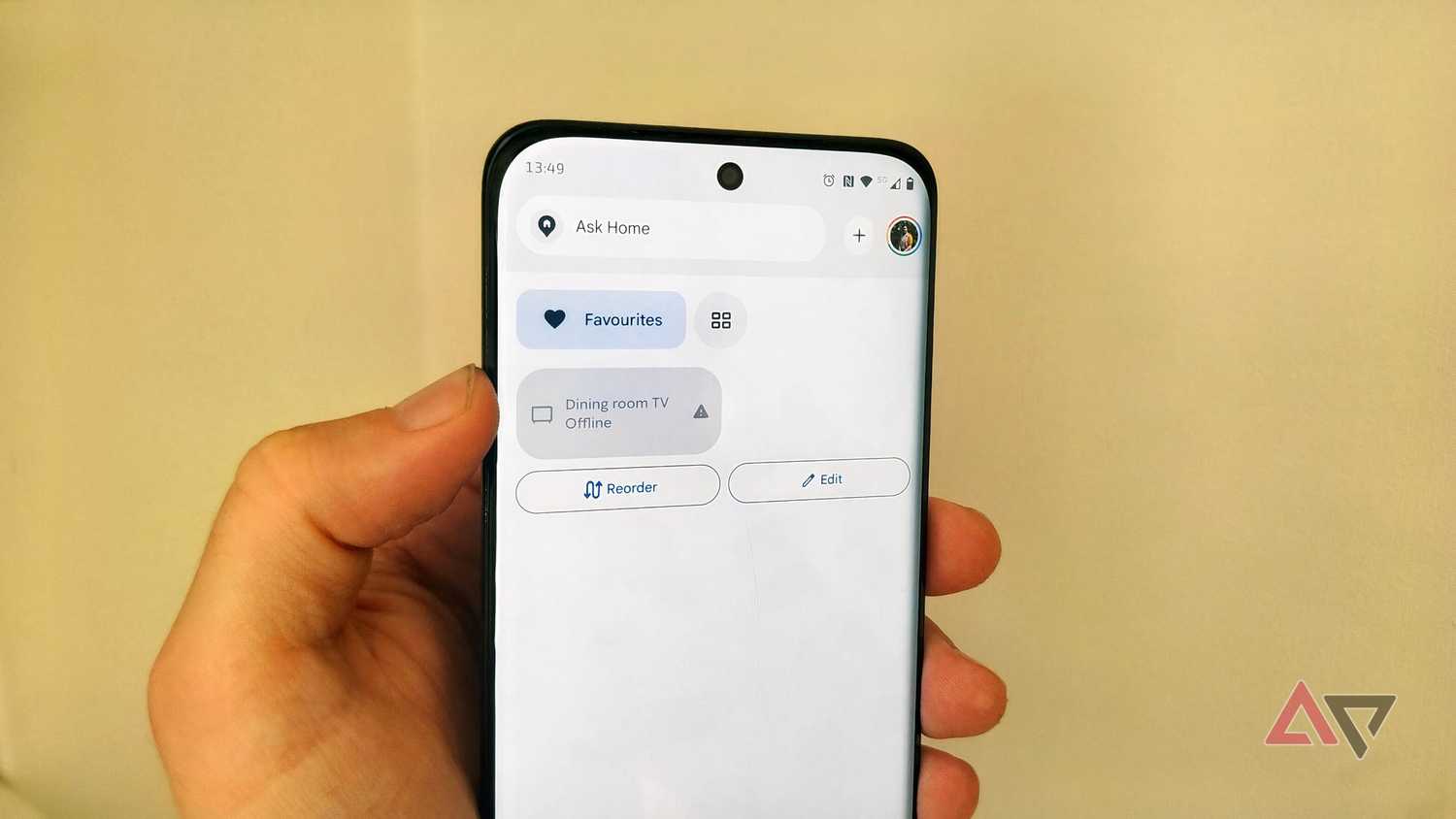
The Google Home app itself is getting some notable improvements as well. First, if you reduce the brightness of a smart light (or a group of them) to 0%, Google Home will turn them off instead of dimming them to their lowest setting. Second, online cameras and doorbells will now use filled icons and accented tile colors, making it easier to tell online cameras from inactive ones.
Third, Matter switches will now accurately display their current status in the Google Home app. In some cases, such switches did not reflect their current state when offline on the All Devices tab.
Setting up new Nest devices through the Google Home app should also be better now. Google says it has "delivered end-to-end reliability improvements" across iOS and Android. This should address common dropout and connection-stalling issues.
Other bug fixes in the Google Home app include:
- Smoother recorded video playback (Android): Improved video player buffering when watching historical camera footage to reduce playback stuttering and mid-clip stalls.
- Eliminated false "Video not available" errors at the end of clips (Android): Resolved an issue where opening a camera event from a notification played the video clip normally, but displayed a "Video not available" error screen at the end of playback instead of pausing.
- Fixed video history loading on Walmart Onn cameras (Android): Resolved an issue where timeline scrubbing and recorded video playback could get stuck on an endless loading spinner even when live video was streaming normally.
- Responsive progress bar scrubbing while paused (iOS): Fixed an issue in the camera player where tapping or dragging the progress bar while an event video was paused resulted in an infinite loading spinner or failed to update the paused video frame to the selected timestamp.
- Reflecting complete device names during Automation Creation: Fixed an issue in Automations where multi-button switches and subdevices were missing their parent device name, making identical buttons difficult to tell apart.
There are a lot more improvements, which you can find on Google's support page, which details all the changes in Google Home and Gemini for Home.