YouTube Shorts have been a menace to my feed. As much as I enjoy watching an occasional short video, I don't want them flooding my feed. I go to YouTube for . Shorts should stay on other apps, like TikTok and Instagram.
My allergy to Shorts got worse when they automatically played the moment I opened my YouTube app. I'm not talking about autoplay on my home feed; these short videos go so far as to block my entry into the app.
It's bad enough that my home feed is swamped with Shorts from random channels. It's even worse that I have to go through a short video before I can access my subscriptions page. So I came up with a solution.
The fix I found prevented the issue, though it comes with a few caveats.
The best workaround is hidden in the settings
It comes at a cost
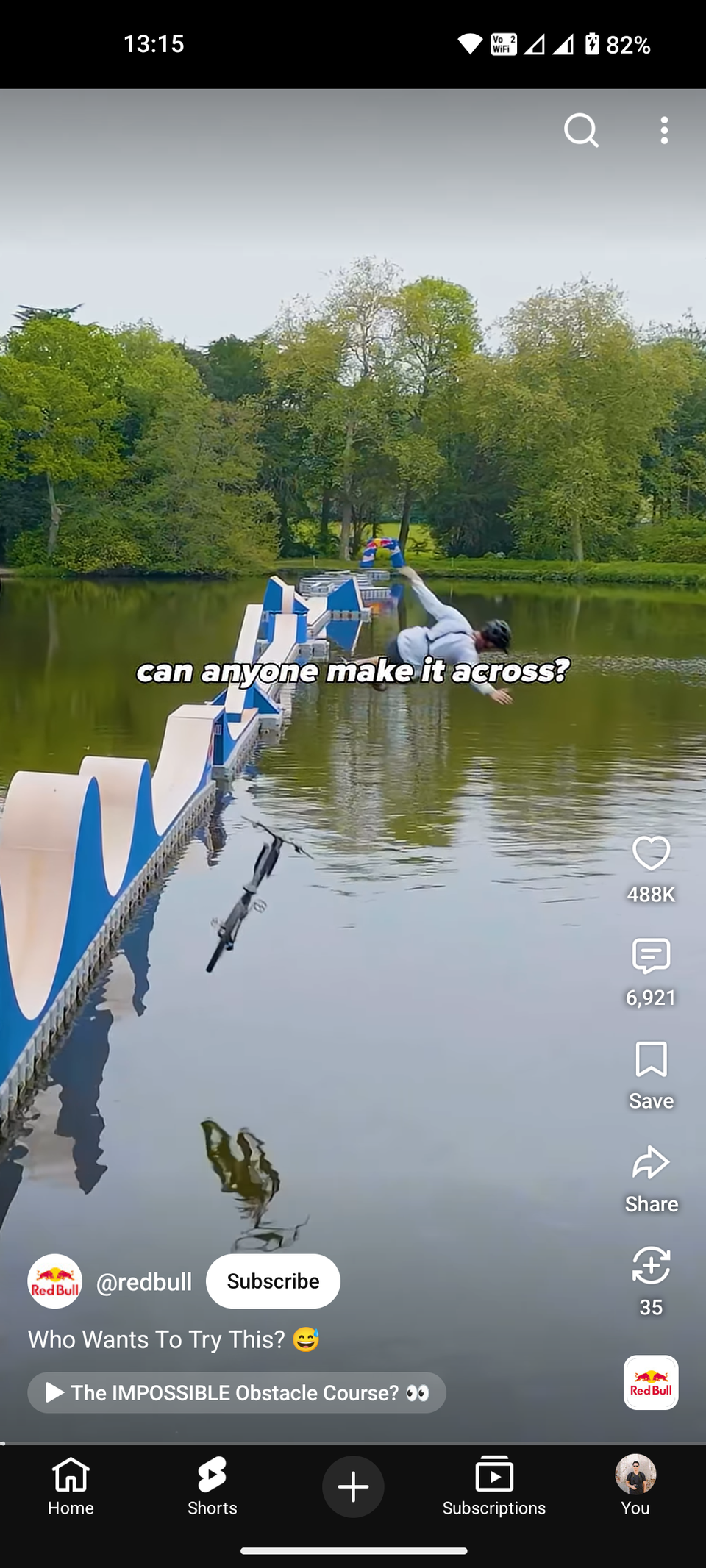
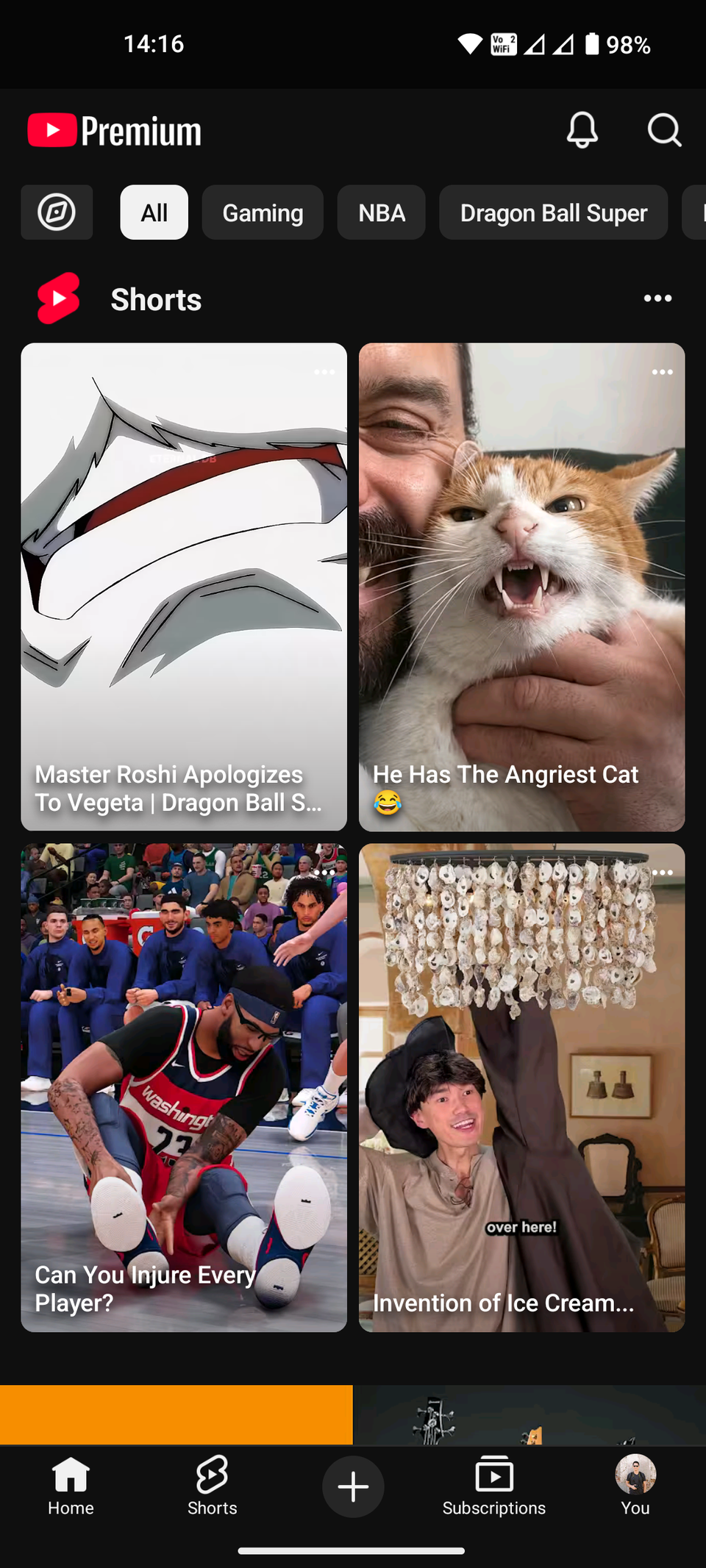
As it turns out, what I was experiencing is a known glitch that's been going on for a while. Multiple Reddit users have reported the same bug.
People initially assumed the glitch happened because a YouTube Short was played before closing the app. However, the bug appears regardless of the last action. It doesn't always happen, which makes it seem random.
Google hasn't acknowledged the glitch. No update or patch has addressed the bug. Users are forced to use workarounds to stop Shorts from autoplaying at startup.
The best workaround I've found so far is in the YouTube app's settings. Reducing the allotted time for Shorts prevents them from appearing before you enter the app's homepage.
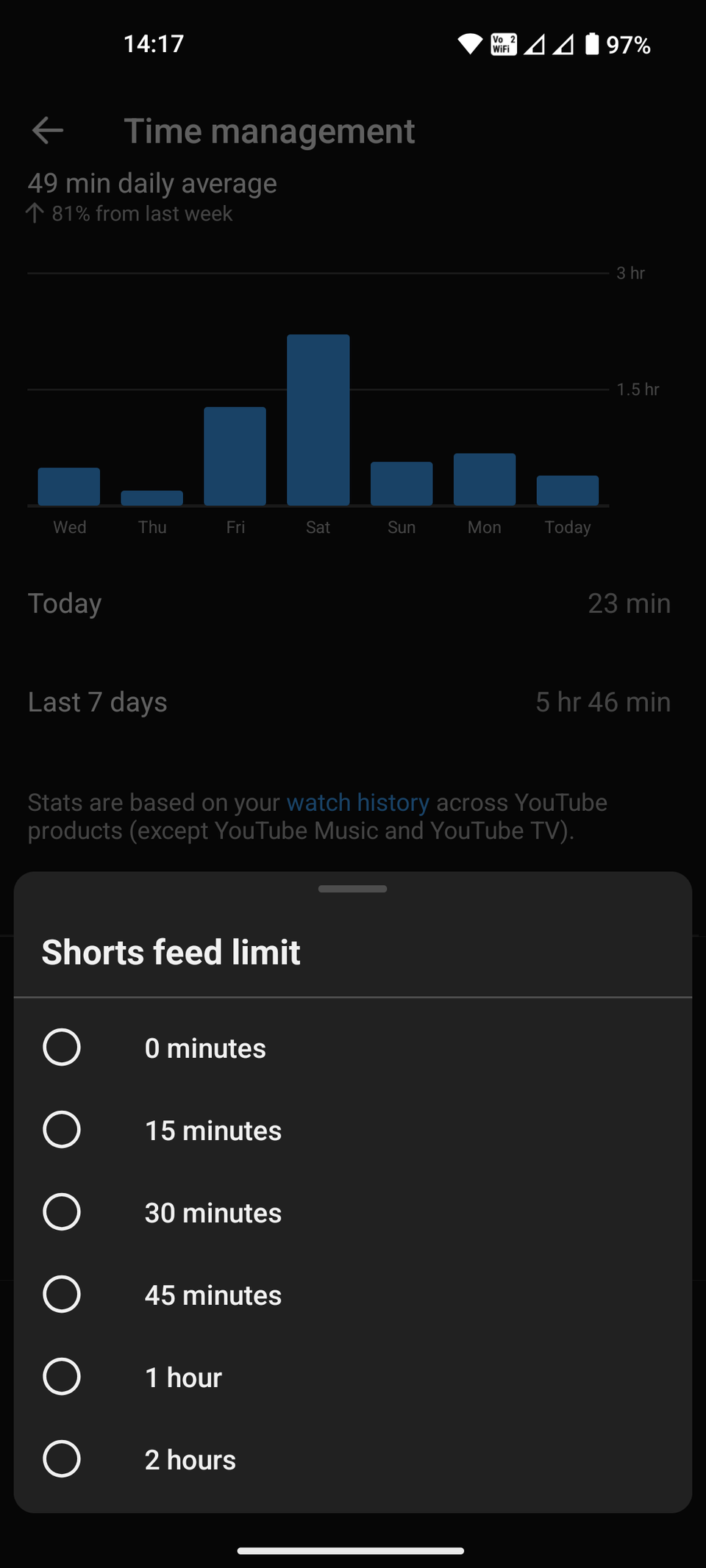
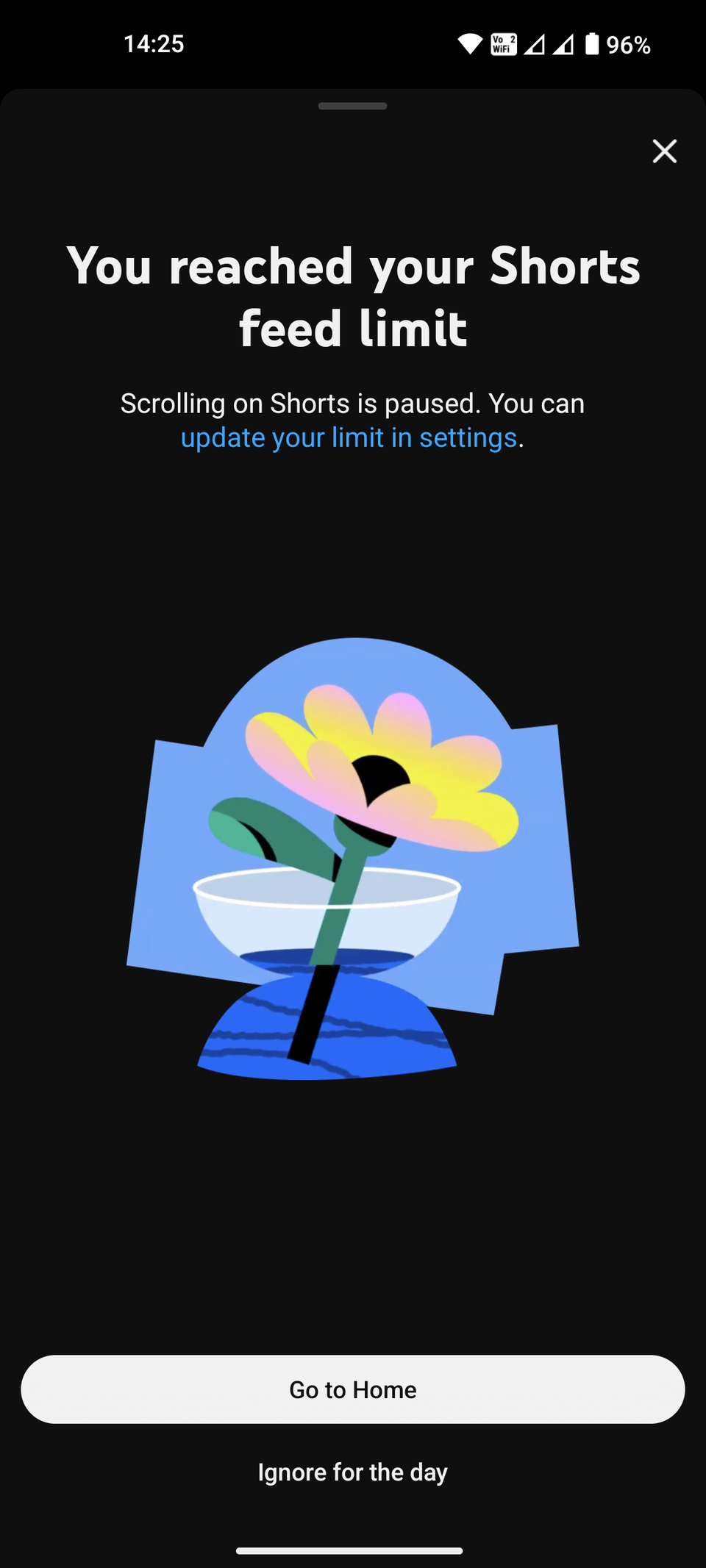
These are the steps to access the menu:
- Open the .
- Enter the You tab in the bottom bar.
- Tap the Settings gear in the upper-right corner.
- Select Time management.
- Enter Shorts feed limit.
- Set the time limit to .
This not only prevents Shorts from appearing at app startup, but also elsewhere in the YouTube app. This setting creates a virtual wall that prevents vertical videos from showing up.
Using this workaround may turn off people who want to watch Shorts from time to time. You can bring back short-form videos for a full day by tapping Ignore for the day when the prompt pops up.
There are alternative solutions
If the first fix doesn't work
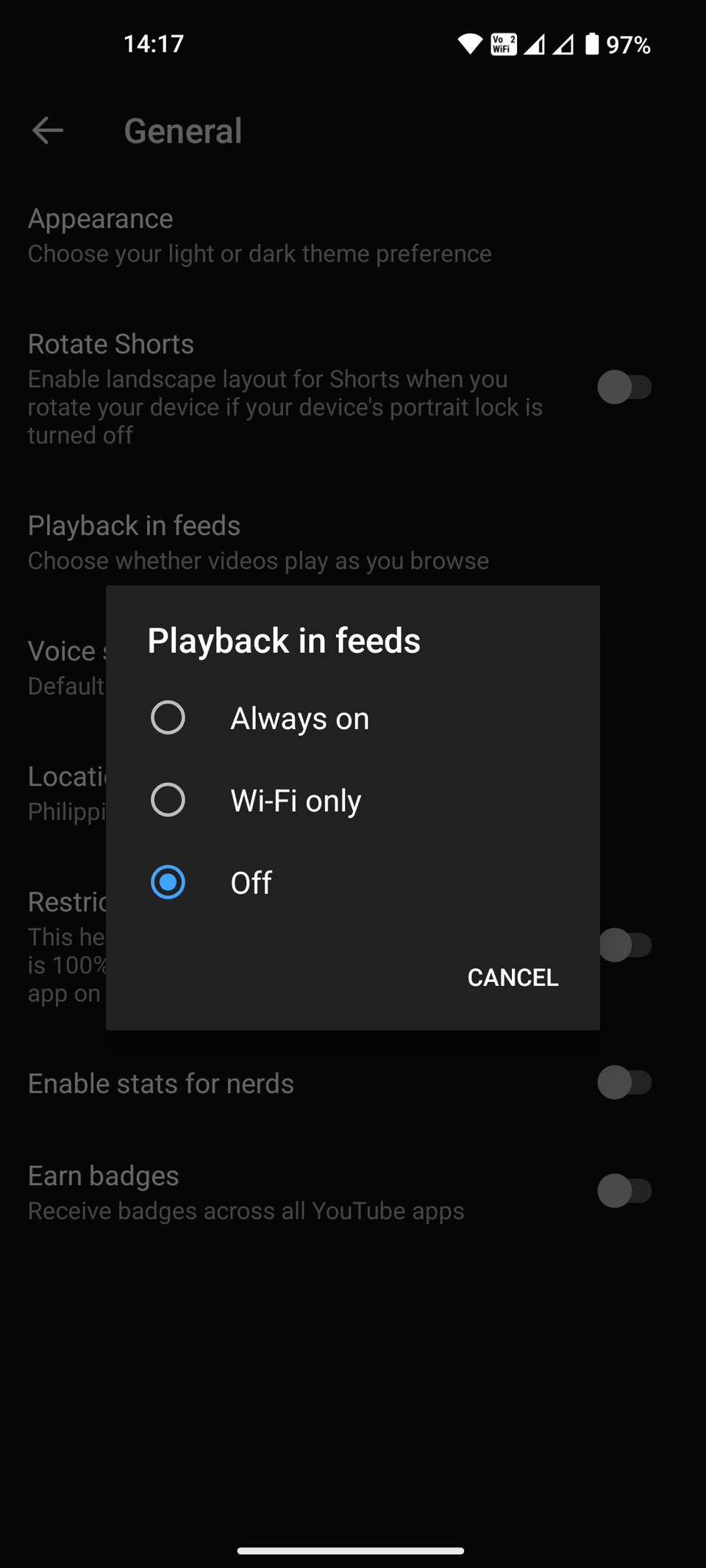
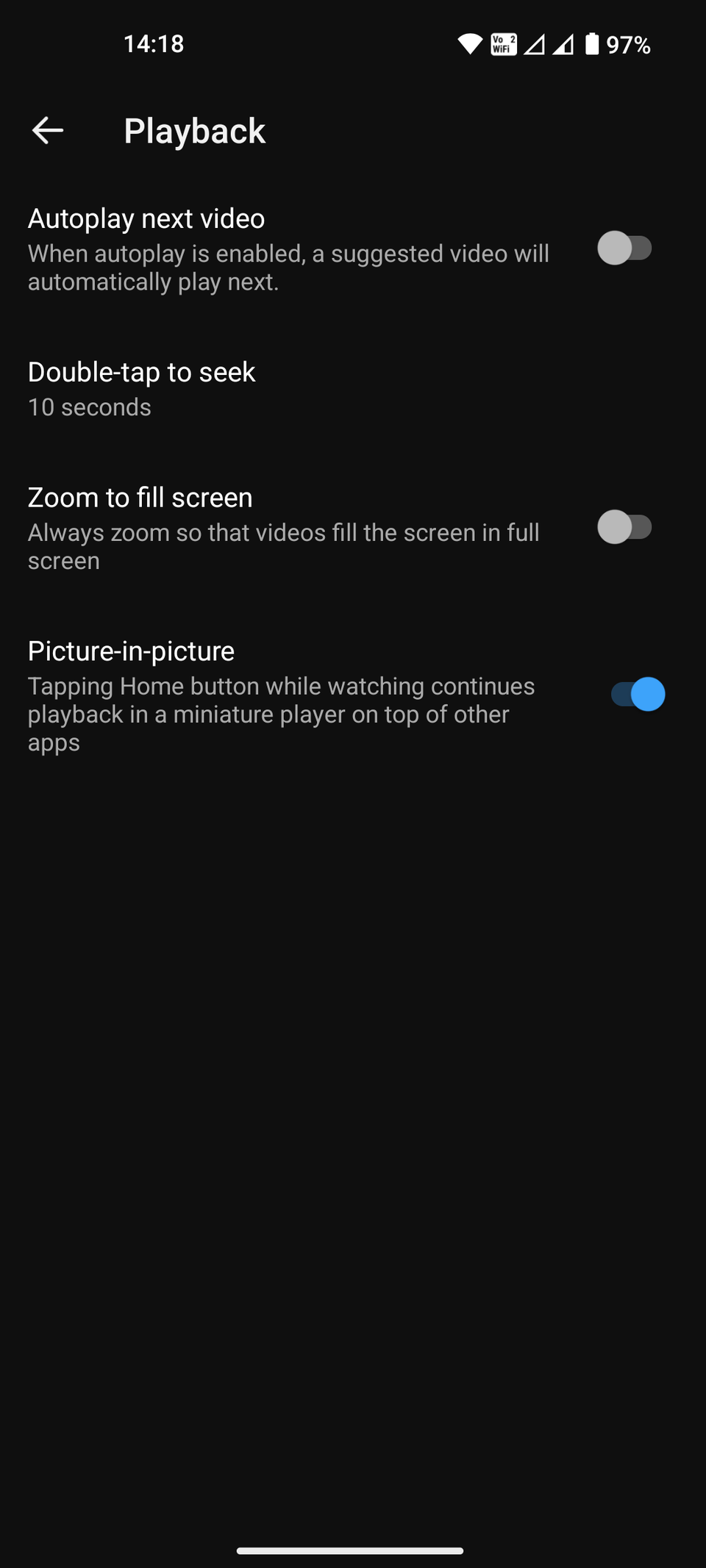
If you want to squash the bug but keep watching Shorts without restrictions, try these extra tricks.
The first tip is to disable feed playback. Go to > > Playback in feeds and turn it off. This prevents the app from preloading vertical video frames during launch.
The next step is to turn off autoplay. You can do this in > . Toggle off Autoplay next video to disable automated video starts.
These two solutions aren't as effective as the initial workaround and can affect the YouTube app's overall performance. You have to guess and test which fixes work best for your situation.
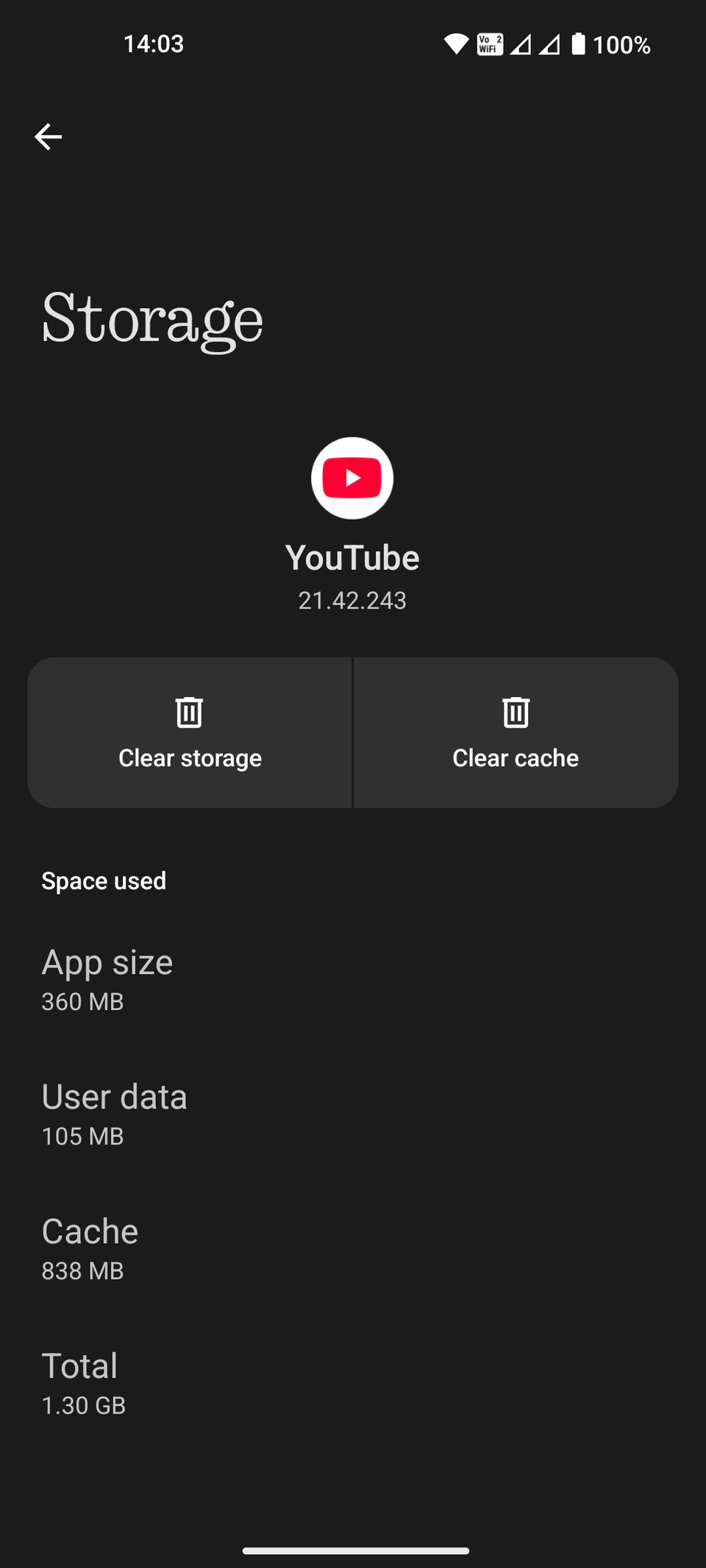
You can also try solutions outside of playback options. One trick is to clear the YouTube app's cache. From your Android phone's main , go to >> > Clear cache.
Clear cache is different from Clear storage. The former removes temporary files that may cause the malfunction, while the latter wipes your account and settings completely off the app.
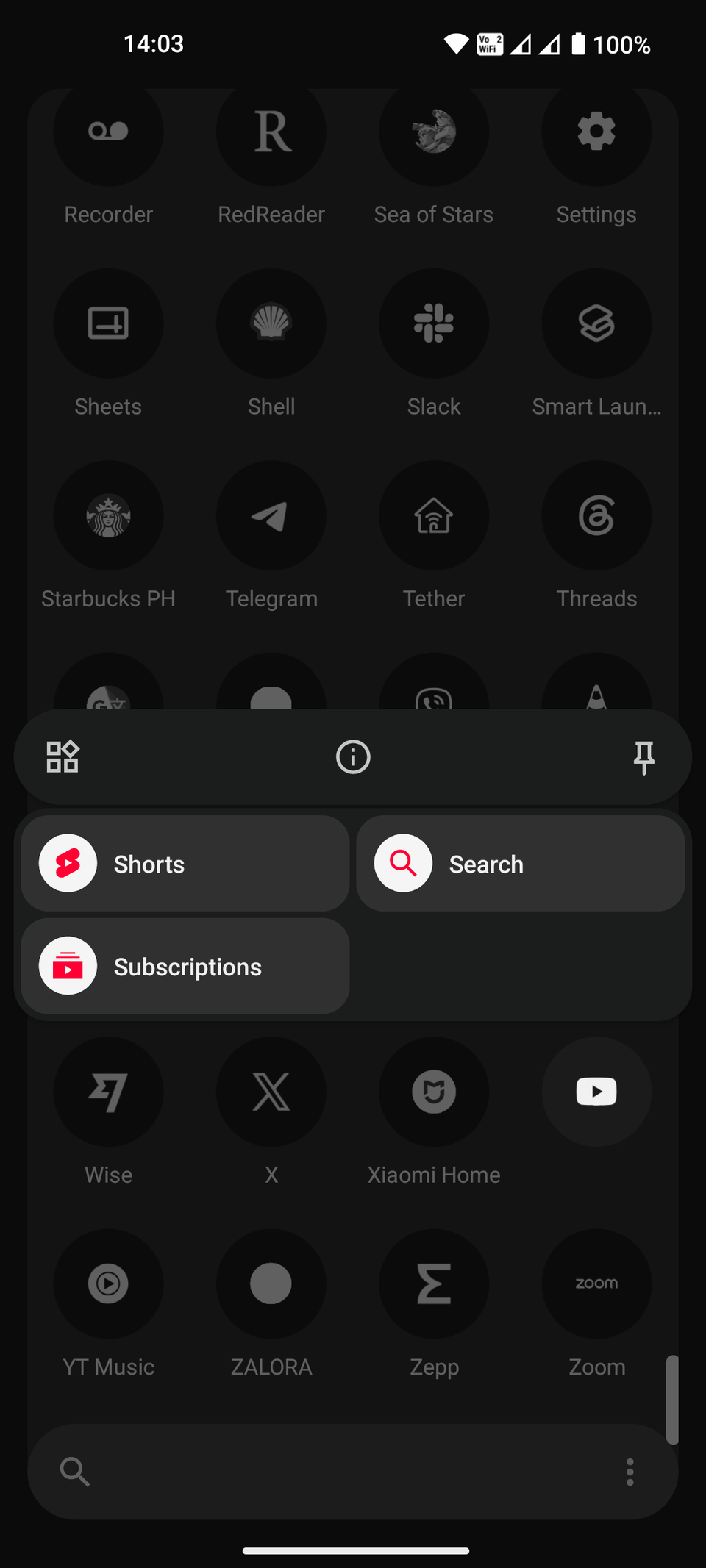
One more handy tip to bypass a potential Shorts jump scare: tap and hold the YouTube app icon on your home screen or in your app drawer, then tap . This takes you to the Subscriptions page, going past YouTube's Shorts-loaded home screen.
Google must provide a real solution
It's Google's job to acknowledge the glitch and patch the bug. As more users grow frustrated, Google needs to update YouTube and fix the issue.
In the meantime, we have these quick fixes to alleviate some of the stress and limit what Shorts can do on our YouTube apps. Shorts are , as long as they stay where they belong.